Short on time? Compare data centre and cloud over five years using the full cost on both sides: hardware, space, power, cooling, licences, staff, networking, support, refresh, and on the cloud side compute, storage, data transfer, support and the work to migrate. Model your real workloads, test several scenarios and weigh non-cost factors such as speed, resilience and compliance.
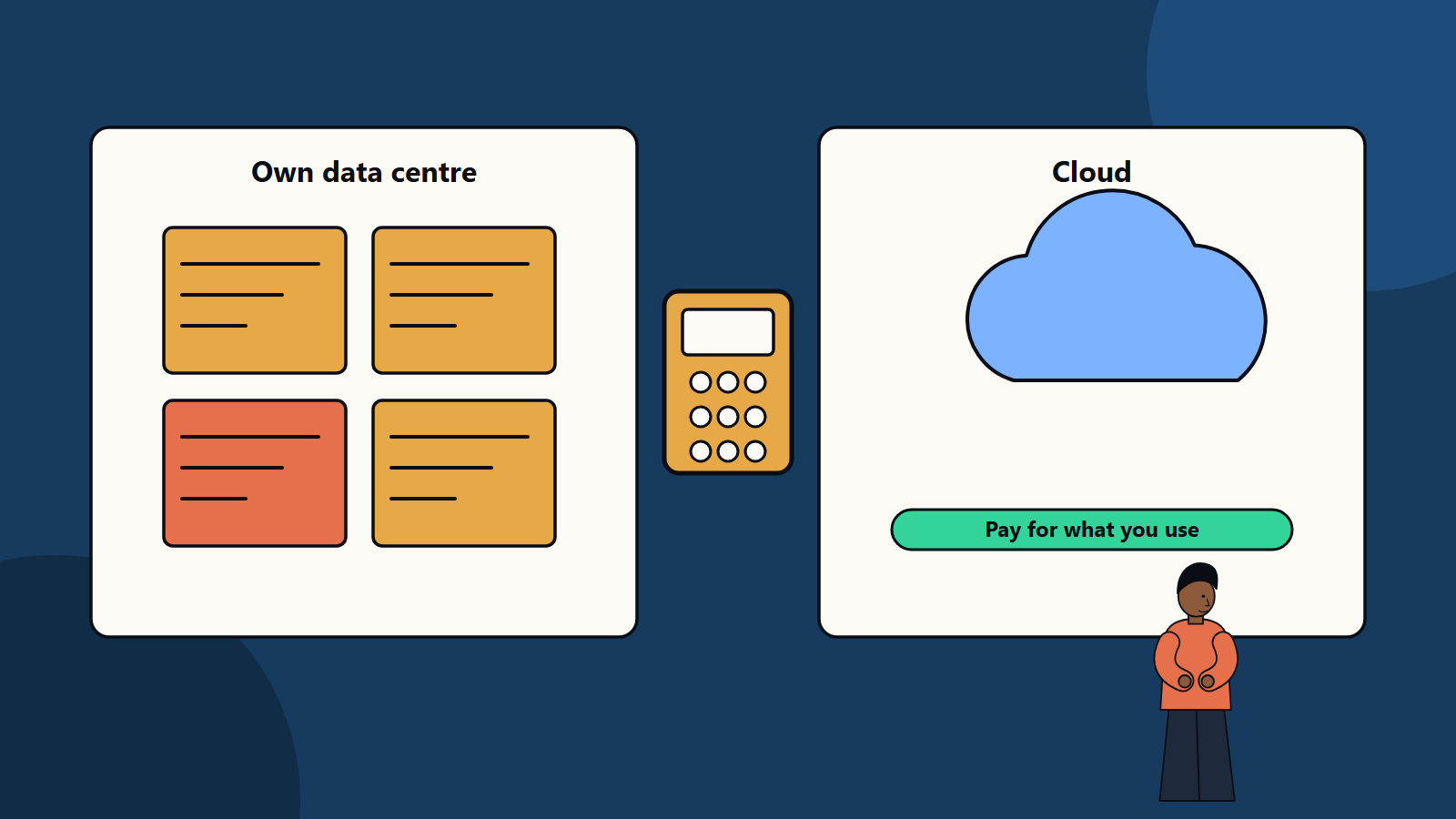
“Is cloud cheaper than our own data centre?” is a question every finance and technology team asks, and the honest answer is that it depends on the workload. Steady, predictable systems that run flat out can be economical on owned hardware. Variable, fast-growing or short-lived workloads often cost less in the cloud. Mixed estates are the norm.
Total cost of ownership, or TCO, is the method for comparing options fairly. This guide shows what to include, how to build a model and where comparisons go wrong. It suits a small firm weighing a server refresh and an enterprise reviewing a portfolio of facilities.
Key takeaways
- TCO counts every cost over the life of the option, including the ones that are easy to miss.
- Compare workload by workload. Averages across the estate hide the cases that matter.
- Cloud costs scale with use and need active management. Owned infrastructure has fixed costs and needs capacity planning.
- Include migration and exit costs, and the cost of risk and delay.
- Cost is one factor. Agility, resilience, security and compliance also decide.
What belongs in the data centre side
Capital and refresh
- Servers, storage, networking and security appliances.
- Racks, cabling and power distribution.
- Refresh cycle, commonly every three to five years, and spare parts.
Facilities
- Space, whether owned, leased or colocation.
- Power, including redundancy, with local energy prices.
- Cooling and fire protection.
- Physical security.
- Insurance.
Software
- Virtualisation, operating system, database and management tool licences.
- Backup, monitoring and security software.
- Support contracts and maintenance.
People
- System, storage, network and security administrators, and the share of their time spent on the infrastructure.
- Training and on-call cover.
Connectivity and resilience
- Network links and internet bandwidth.
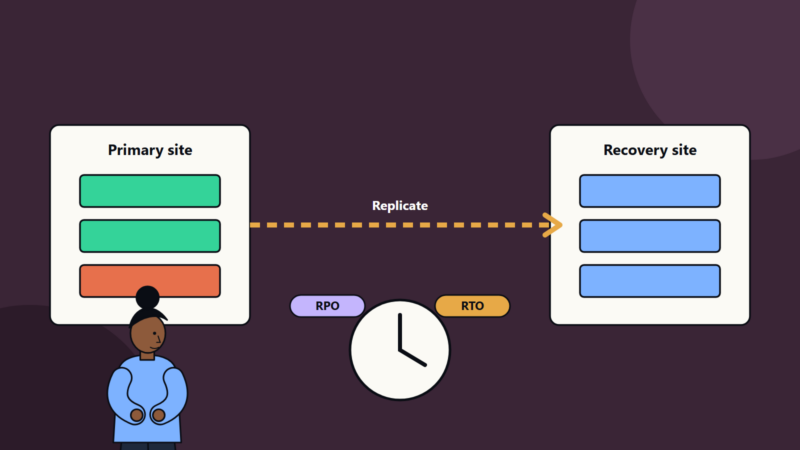
- Disaster recovery site or service, and testing.
Other
- Capacity bought ahead of need, since hardware is bought in steps.
- Cost of capital for upfront spend.
- Decommissioning and disposal.
What belongs in the cloud side
Usage
- Compute, storage, databases, networking, load balancers and managed services.
- Data transfer, especially outbound traffic and transfer between regions.
- Backup and disaster recovery storage.
Software
- Licences you bring or pay for in the cloud, which may be priced differently.
- Marketplace products and third-party tools.
Commitments and discounts
- Savings from reserved capacity and committed spend, balanced against flexibility.
Support and operations
- Provider support plans, often a share of spend.
- Cloud engineering, security, FinOps and operations staff.
- Monitoring and logging, which can be a significant cost at scale.
Migration and change
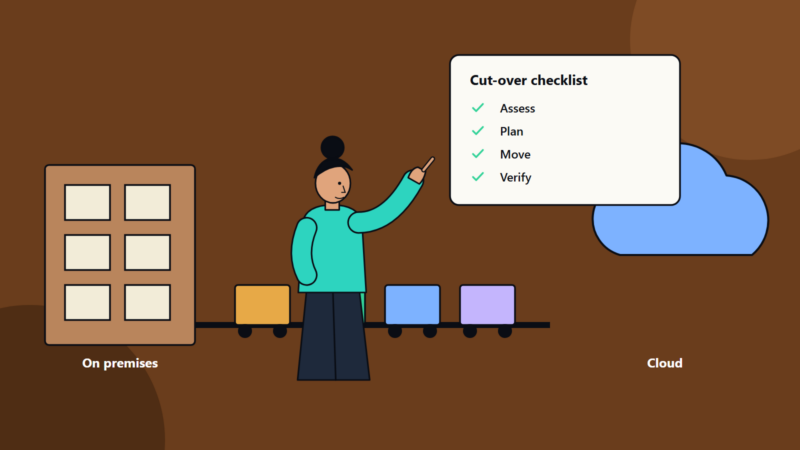
- Assessment, migration tools, parallel running, rework of applications and training.
- Exit costs: moving back or to another provider, and data egress fees.
Our guide to cloud cost optimization covers how to manage usage-based costs once you are there.
Build the model
- Inventory the workloads. List applications, their size, utilisation, growth, performance and uptime needs, and dependencies.
- Group them. Steady and predictable, variable and spiky, new and experimental, regulated, legacy.
- Choose the horizon. Five years is common. Longer may help for facilities, though technology changes fast.
- Define scenarios:
- Stay on-premises with a hardware refresh.
- Move to colocation.
- Move to cloud, rehosted.
- Move to cloud with optimisation or replatforming.
- Hybrid: some workloads in each.
- Estimate each cost line with real quotes and billing data where possible. Use cloud provider calculators and your own usage metrics.
- Include growth and decline in demand.
- Calculate total cost and cost per unit, such as per virtual machine, per user or per transaction.
- Test sensitivity. What if growth doubles, energy prices rise or you secure better discounts?
- Add one-off and transition costs and the period of double running.
Where comparisons go wrong
- Comparing list prices to marginal costs. Owned hardware that is already paid for looks free, but its refresh, power and staff are not.
- Forgetting staff time or counting it as zero.
- Assuming cloud workloads are optimised. Lifted-and-shifted systems often cost more than expected until they are rightsized.
- Ignoring data transfer fees.
- Idle capacity on both sides. Owned servers sit under-used. Cloud resources are left running.
- Overlooking opportunity cost, such as the value of faster launches or the cost of delays from long hardware lead times.
- Treating risk as zero. Outages, security incidents and compliance failures have costs.
- Using different assumptions for each option.
Non-cost factors
- Speed and agility: provisioning in minutes versus weeks.
- Scalability: ability to handle peaks.
- Resilience: options for multiple zones and regions.
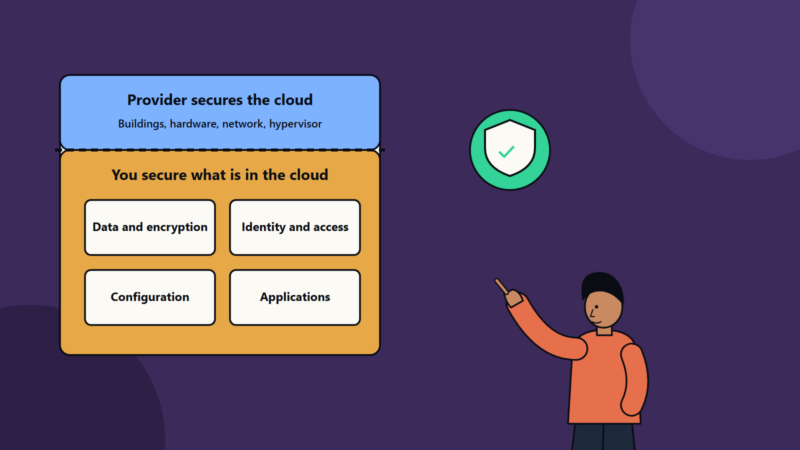
- Security and compliance: controls, certifications, data residency and audit needs.
- Performance and latency: especially for workloads close to users, devices or factories.
- Skills and culture: availability of people for each model.
- Lock-in and exit: ease of changing later. See our article on multi-cloud strategy.
- Sustainability: energy sources and efficiency, which differ between providers and facilities.
When owned infrastructure can win
- Large, stable workloads with high, constant utilisation.
- Heavy data movement that would incur large transfer fees.
- Specialised hardware or latency needs.
- Strict control or sovereignty requirements.
- Existing facilities with spare capacity and low-cost power.
When cloud usually wins
- Variable or seasonal demand.
- New products with uncertain demand.
- Short-lived environments for testing and development.
- Need for global reach.
- Limited in-house infrastructure skills.
- Facilities nearing end of life that would need heavy investment.
A balanced result
Most organisations end up with a mix, placing each workload where it makes sense and revisiting the choice as prices, needs and technology change. A TCO model kept in a spreadsheet and updated yearly makes later decisions faster. Our article on hybrid cloud architecture covers how to design a mixed estate.
How SoftSapien supports the decision
SoftSapien helps organisations build workload-level TCO models, plan migrations and run hybrid environments, with independent advice on what to move and what to keep. Learn about our cloud and datacenter solutions and server and storage solutions.
To start your own comparison, visit the contact page and chat with our team, send a message or schedule a free consultation call.
Frequently asked questions
What is total cost of ownership?
TCO is the full cost of an option over its life, including purchase or usage, facilities, software, people, support, refresh, migration and exit costs.
Is cloud always cheaper than a data centre?
No. Steady, high-utilisation workloads can be economical on owned hardware, while variable, new or short-lived workloads often cost less in the cloud.
Which costs are often missed?
Staff time, data transfer fees, unoptimised cloud workloads, idle capacity, migration and double running, and the cost of risk and delay.
Should I compare the whole estate at once?
Compare workload by workload, since averages hide the cases that matter, then place each workload where it makes the most sense.
Can SoftSapien build a TCO model?
Yes, at workload level with independent advice. Contact SoftSapien through the contact page to chat with our team, send a message or schedule a free consultation call.