Short on time? Hybrid cloud combines your own or private infrastructure with public cloud under shared management. It suits organisations with data residency needs, latency-sensitive systems, existing investments or a gradual migration path. Success rests on secure connectivity, consistent identity, a clear workload placement policy and one view of operations and cost.
Few organisations move everything to the cloud in one step, and some never will. A factory floor system needs millisecond response next to the machines. A regulated database must stay in a specific country. A booking site faces seasonal peaks that would be wasteful to build for in an own data centre. Hybrid cloud lets each workload live where it fits.
This guide explains hybrid cloud, the main architecture choices, the challenges and the practices that make it manageable. It serves a mid-sized company with one server room and a cloud account, and a large enterprise with data centres on several continents.
Key takeaways
- Hybrid cloud connects private or on-premises infrastructure with one or more public clouds so workloads can be placed and moved by need.
- Common patterns: extend the data centre for bursts, split application tiers across environments, run backup and disaster recovery in the cloud and keep sensitive data local while using cloud analytics.
- Connectivity, identity, security, data movement and operations are the hard parts.
- Set workload placement rules in advance, and review them regularly.
- For many organisations, hybrid is a long-term operating model.
What the terms mean
The NIST definition of cloud computing lists four deployment models: private, community, public and hybrid. In the NIST model, a hybrid cloud is a composition of two or more distinct cloud infrastructures that remain unique entities but are bound together by standardised or proprietary technology that enables data and application portability. In everyday use, hybrid cloud usually means on-premises or private infrastructure working together with public cloud services. It is different from multi-cloud, which means using several public providers. Many organisations are both. Our article on multi-cloud strategy covers that case.
Why choose hybrid
- Data residency and compliance: keep regulated data in a specific location or under direct control.
- Latency and locality: run systems close to factories, stores, clinics or devices.
- Existing investments: use hardware and licences that still have life.
- Gradual migration: move step by step, lowering risk.
- Elasticity: use cloud capacity for peaks, tests and new products.
- Specialised services: analytics, machine learning and global content delivery in the cloud while core systems stay put.
- Resilience: use the cloud as a disaster recovery site.
Common architecture patterns
Cloud bursting
The application normally runs on-premises. When demand spikes, extra capacity starts in the cloud. This works best for stateless, scalable workloads with data that can be reached from both places.
Tiered split
Parts of one application run in different places. For example, the web front end sits in the cloud for global reach and scale, while the database stays in your data centre for control. Mind latency and data transfer costs across the link.
Cloud for backup and disaster recovery
Backups and standby environments live in the cloud, which avoids building a second data centre. Our article on disaster recovery planning describes recovery objectives and tests.
Data stays, analytics goes
Sensitive source data remains on-premises. Prepared or anonymised data is sent to the cloud for analysis and machine learning.
Edge and cloud
Devices and local servers process data near its source and send summaries to the cloud. See our article on IoT architecture.
Consistent platform
Containers and orchestrators let the same application run in either environment with a common deployment model. Some providers offer managed services that extend cloud tools into your own premises.
The building blocks
- Connectivity: secure, reliable links between environments, such as dedicated private connections or encrypted tunnels, with redundancy. Plan bandwidth and latency.
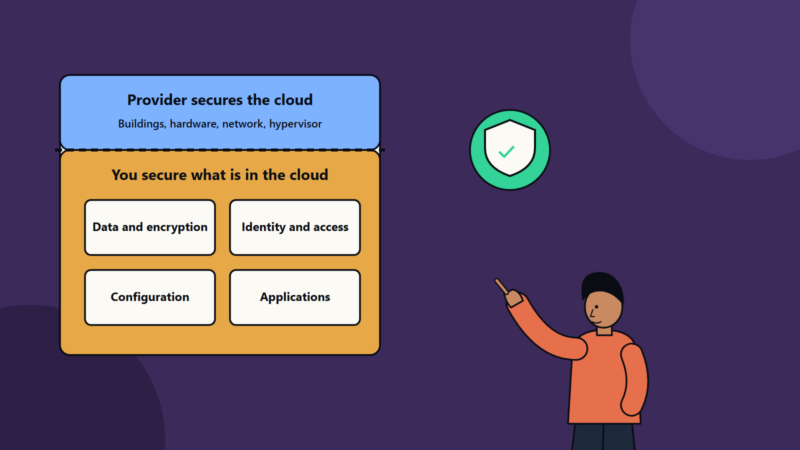
- Identity and access: a single identity system and consistent roles across environments.
- Networking: coherent addressing, segmentation and name resolution so systems can find each other.
- Security: consistent policies, encryption, key management, vulnerability management and logging everywhere.
- Data management: replication, synchronisation and governance. Decide the system of record for each dataset.
- Automation: infrastructure as code and pipelines that deploy to both environments.
- Observability: unified logs, metrics and traces.
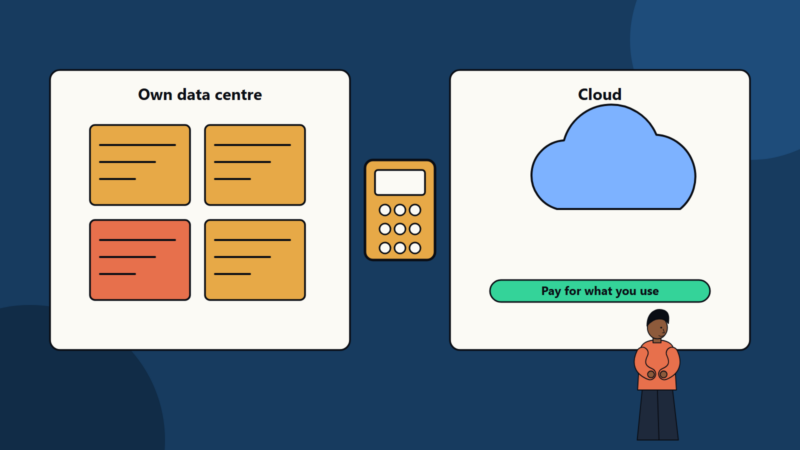
- Cost management: visibility across both sides, including data transfer charges. Our cloud cost optimization checklist explains the routine.
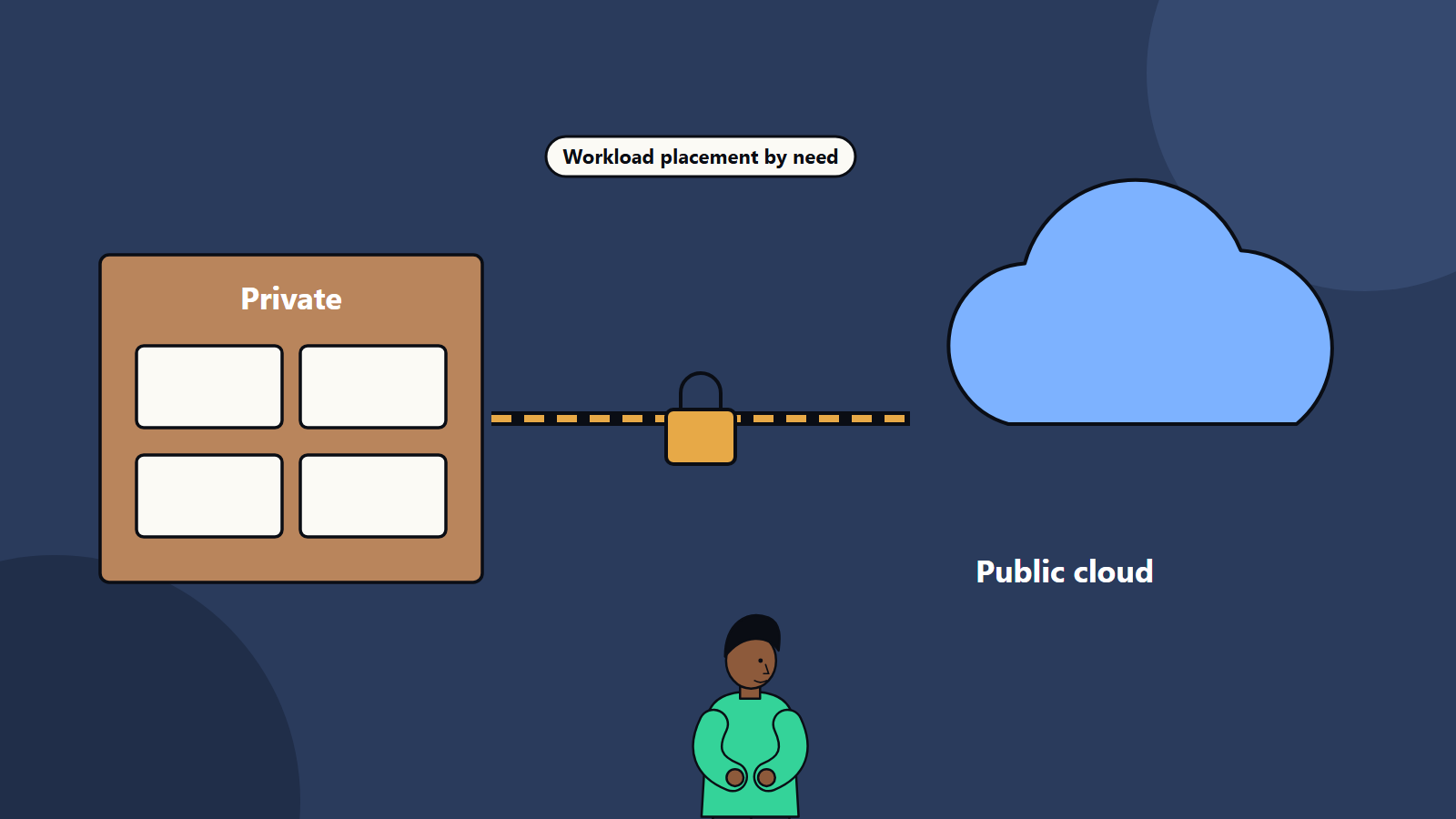
Workload placement policy
Write a short policy that guides where things run. Consider for each workload:
- Data sensitivity and regulation.
- Latency and performance needs.
- Variability of demand.
- Dependencies on other systems.
- Licence terms.
- Skills available.
- Cost over several years. See our guide to a data centre versus cloud cost comparison.
- Resilience requirements.
Review placement as costs, regulations and technology change.
Challenges
- Complexity. Two or more environments mean more to run and secure.
- Inconsistent tools. Different management consoles and policies create gaps.
- Data gravity. Large datasets are hard and costly to move.
- Skills. Teams need knowledge of both worlds.
- Latency over links. Chatty applications split across environments perform poorly.
- Security drift. Policies diverge without central control.
- Cost surprises from data transfer and unmanaged cloud use.
- Vendor lock-in through proprietary hybrid tooling.
Practices that help
- Standardise where it pays: identity, tagging, logging, deployment pipelines and security baselines.
- Use a landing zone in the cloud with guardrails that mirror on-premises controls.
- Design for failure of the link between environments.
- Keep chatty components together in one location.
- Document and test failover and recovery.
- Train people on both environments, and consider a platform team that offers shared services to application teams.
- Measure reliability, cost and delivery speed across the estate.
Migration path
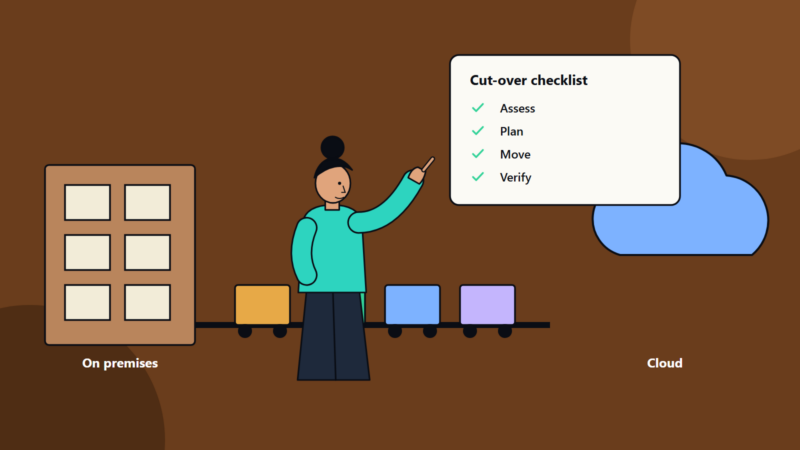
- Assess applications and dependencies.
- Establish connectivity, identity and the landing zone.
- Move low-risk workloads first, such as development environments and backups.
- Move or modernise further workloads as justified.
- Keep what should stay, with a plan to refresh or retire it.
Common mistakes
- Treating hybrid as temporary and under-investing in its operation.
- Splitting an application across a slow link without testing.
- Different security rules in each environment.
- No owner for cross-environment architecture.
- Ignoring exit and portability.
- Forgetting data transfer costs.
How SoftSapien supports hybrid environments
SoftSapien designs hybrid architectures, builds secure connectivity and landing zones and operates mixed estates with unified monitoring and cost control. See our cloud and datacenter solutions and multi-cloud solutions.
To discuss a hybrid design, use the contact page to chat with our team, send a message or schedule a free consultation call.
Frequently asked questions
What is hybrid cloud?
It is the use of private or on-premises infrastructure together with public cloud services, managed so workloads and data can be placed and moved according to need.
How is hybrid different from multi-cloud?
Hybrid combines private infrastructure and public cloud. Multi-cloud uses several public cloud providers. Many organisations are both.
What are common hybrid patterns?
Cloud bursting, tiered application splits, cloud backup and disaster recovery, keeping data local while analysing in the cloud, edge with cloud and a consistent container platform.
What are the hardest parts?
Secure connectivity, consistent identity and security policy, data movement, unified operations and cost visibility, and skills across environments.
Can SoftSapien design a hybrid environment?
Yes, and operate it. Contact SoftSapien through the contact page to chat with our team, send a message or schedule a free consultation call.