Short on time? A smooth cloud migration follows twelve steps: set goals, inventory systems, sort applications by migration path, choose a target design, secure it, plan costs, prepare data, test, rehearse the cut-over, move in waves, verify and then optimise. Skipping the first three is the most common cause of delays.
Moving to the cloud promises flexibility, resilience and faster delivery. It also exposes every shortcut taken in the past: undocumented servers, tangled dependencies, unclear owners and hidden costs. A checklist keeps the work orderly, whether you are shifting a handful of servers for a small firm or planning hundreds of applications across regions.
This list reflects common practice among cloud providers and consultancies. Providers such as AWS publish migration strategies, for instance its set of seven strategies for moving applications, which are retire, retain, rehost, relocate, repurchase, replatform and refactor. We use the same logic below.
Key takeaways
- Start with business goals and a full inventory before any technology decisions.
- Choose a path per application. Some should be retired or left alone.
- Build a secure, governed landing zone before moving workloads.
- Move in waves, starting with low-risk systems to build skills and confidence.
- Plan for testing, cut-over, rollback and cost control from the outset.
Step 1: Set goals and boundaries
Write down why you are migrating. Typical reasons include closing a data centre, improving resilience, gaining speed, reducing hardware refresh costs and supporting new products. Add constraints such as deadlines, budgets, compliance duties and data location rules. Goals decide trade-offs later, for example whether to rehost quickly or restructure for long-term benefit.
Step 2: Discover and inventory
List servers, applications, databases, storage, network links, licences and the people responsible for each. Use discovery tools to gather facts about usage, performance and dependencies, and check them with owners. Look for systems that nobody uses. Retiring them saves effort and cost.
Step 3: Map dependencies
Applications rarely stand alone. Document which systems talk to which, over which ports, and how often. Group applications that must move together, so you do not leave a database in one place and its application in another with a slow link between them.
Step 4: Choose a path for each application
Typical choices:
- Retire what is unused.
- Retain what must stay for now, such as systems tied to special hardware.
- Rehost to move as is, quickly.
- Replatform with small changes, for example to a managed database.
- Repurchase by replacing with a SaaS product.
- Refactor to use cloud-native design where the benefit justifies the effort.
Our article on legacy application modernization offers a method for comparing these paths.
Step 5: Design the target environment
Decide on regions, account structure, networking, identity, logging and encryption. Build a landing zone: a prepared environment with guardrails, so each workload lands in a consistent, secure setting. Agree naming and tagging standards at this point, since they are hard to fix later.
Step 6: Plan security and compliance
Map your compliance duties to controls. Define who can do what in the cloud, protect administrative access, encrypt data and set up monitoring and alerts. Be clear about the shared responsibility model: the provider secures the underlying infrastructure and you secure what you put on it. Check data residency requirements for each country you serve.
Step 7: Estimate and control cost
Compare expected cloud running costs with current costs including hardware, space, power, licences and support. Include the one-off cost of migration, training and parallel running. Set budgets and alerts before the first workload moves, and assign cost owners.
Step 8: Prepare the data
Decide how data will move: online replication, scheduled transfer or physical shipment for very large volumes. Test transfer speed with a sample. Plan for cleaning and archiving, so you do not move data you no longer need. Verify integrity with checksums or record counts.
Step 9: Build and test
Create the target setup with infrastructure as code so it is repeatable. Test functions, performance, security and integrations. Test failure cases, such as a dependency being unavailable. Involve the business users who know how the system behaves under real conditions.
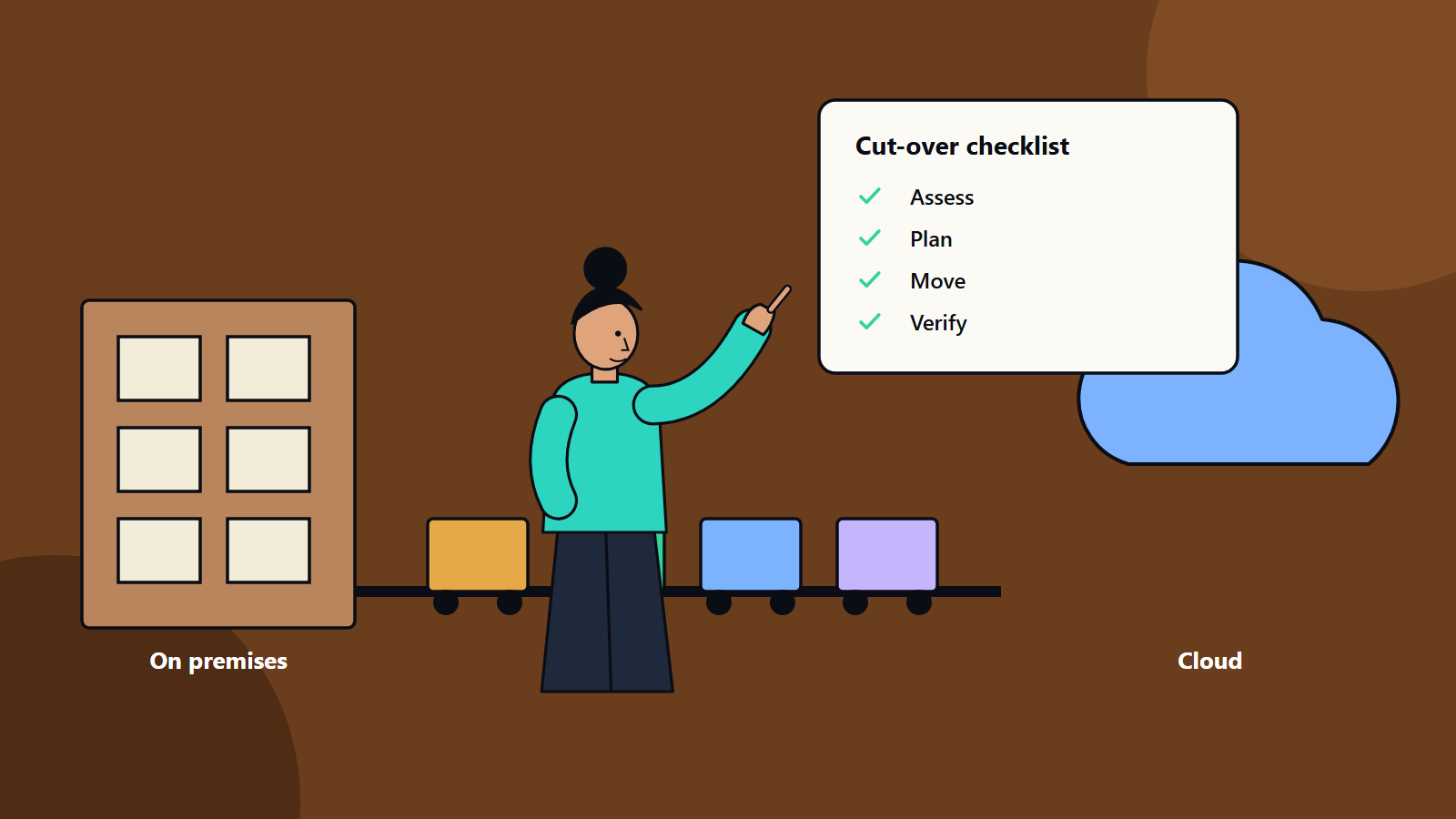
Step 10: Rehearse the cut-over
Write a runbook with every step, owner, time and check. Rehearse in a test environment. Define the go and no-go criteria, the rollback plan and the communication plan for staff and customers. Choose a window that suits the business, and avoid peak periods.
Step 11: Migrate in waves
Start with a pilot wave of low-risk systems to prove the process. Learn from it, adjust the runbook and move on to larger and more critical groups. Keep a visible schedule and a log of issues.
Step 12: Verify, optimise and decommission
After cut-over:
- Compare performance and results against the old environment.
- Watch error rates and user feedback closely for the first weeks.
- Rightsize resources and apply pricing options once real usage is known.
- Switch off old systems after a safe waiting period, and make sure data retention duties are met.
- Update documentation, monitoring and support processes.
Roles to assign
- Executive sponsor for decisions and funding.
- Programme manager for schedule and risks.
- Architect for the target design.
- Security lead for controls and compliance.
- Application owners for testing and sign-off.
- Operations lead for run processes.
- Finance partner for budgets and cost tracking.
Frequent pitfalls
- Treating migration as a one-off lift when it also changes how you operate.
- Ignoring licensing terms that change in the cloud.
- Underestimating network bandwidth and latency.
- Leaving skills until after go-live.
- Forgetting to decommission, which leaves double running costs.
How SoftSapien supports migrations
SoftSapien plans and delivers migrations from discovery through cut-over and optimisation, with security and cost control built into each wave. Learn more about our cloud and datacenter solutions and our multi-cloud solutions.
When you are ready to review your estate, go to the contact page. You can chat with an adviser, send a message or schedule a free consultation call.
Frequently asked questions
What are the main steps of a cloud migration?
Set goals, inventory systems, map dependencies, choose a path per application, design the target, plan security, estimate costs, prepare data, build and test, rehearse cut-over, migrate in waves and optimise.
What is a landing zone?
A landing zone is a prepared, governed cloud environment with consistent accounts, networking, identity, logging and guardrails, so each workload starts in a secure and standard setting.
Should I rehost or refactor?
It depends on goals and effort. Rehosting is quick and changes little, replatforming adds small improvements and refactoring suits systems where cloud-native design delivers clear value.
How do I avoid cost surprises?
Compare current and expected costs, include one-off migration and parallel running, set budgets and alerts before the first workload moves and review usage after cut-over.
How can SoftSapien help?
We plan and deliver migrations from discovery to optimisation. Contact SoftSapien through the contact page to chat with our team, send a message or schedule a free consultation call.