Short on time? Estimate AI cost per task: count the tokens or compute each task uses, multiply by price and expected volume, add a margin for retries and growth, then compare with the value delivered. Track the real numbers weekly, set budgets and alerts and review model choices regularly, since prices and options change fast.
AI pilots often run on small budgets, so the first invoices look harmless. Then usage grows. An assistant that answered a few hundred questions a week now handles thousands a day, agents make many model calls per task and teams start using the tool in new ways. Without a forecast, the bill becomes a surprise.
This guide explains how AI usage is charged, how to build a simple forecast and how to keep spending under control. It applies to a small business using a hosted model and to an enterprise running its own GPUs.
Key takeaways
- Hosted language models usually charge by tokens processed, with separate prices for input and output. Self-hosted models cost compute, storage and people.
- Cost per task depends on prompt length, retrieved context, output length, number of calls and the model chosen.
- Agents and long conversations multiply calls and context, so cost grows faster than usage.
- Forecast by scenario, set budgets and alerts, and measure cost against business value.
- Reduce cost by choosing the right model for each task, trimming context, caching and batching.
How AI is billed
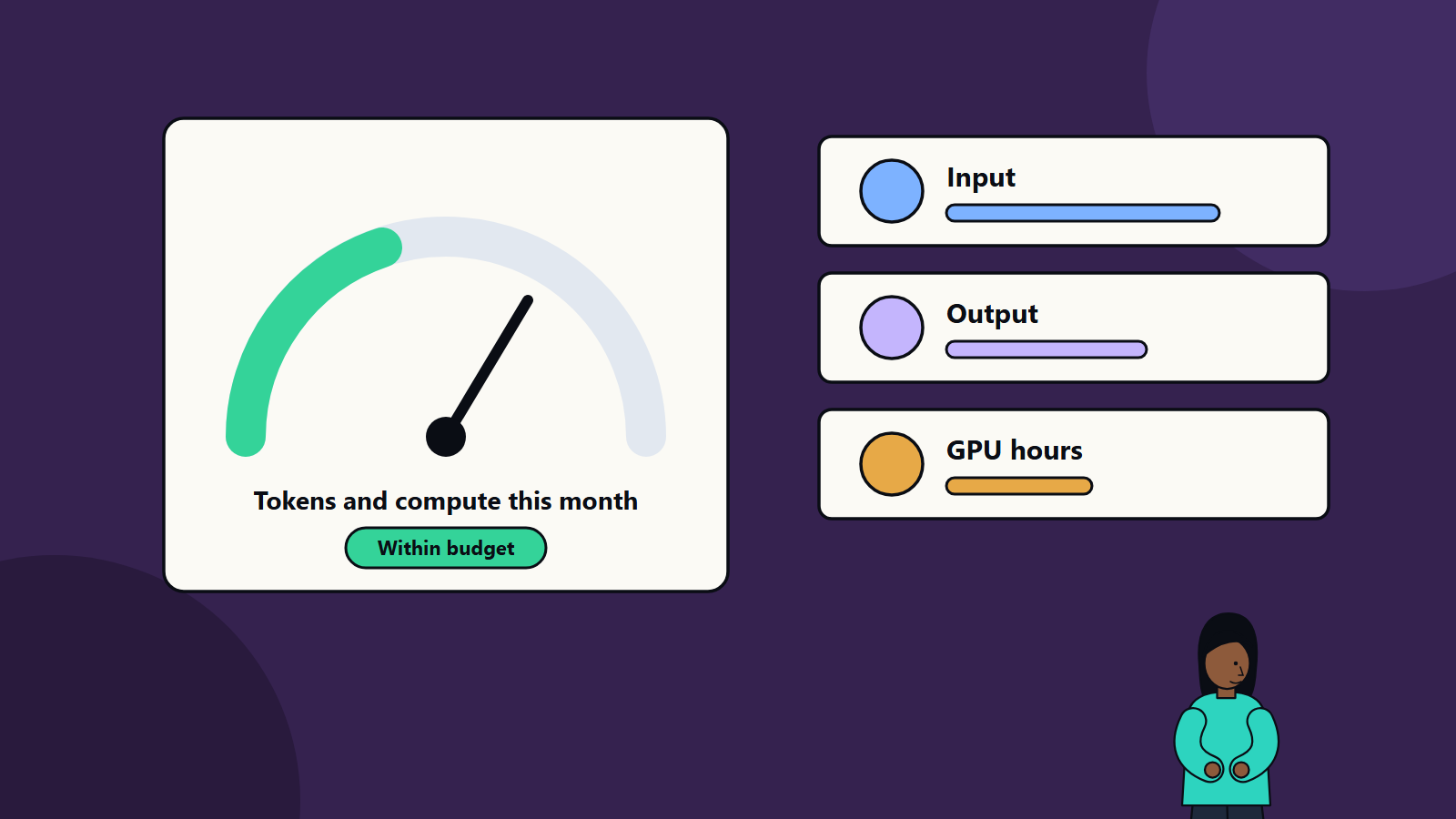
Tokens. A token is a small piece of text, often a word fragment. Providers typically bill for input tokens, which include your instructions, retrieved documents and conversation history, and for output tokens, the generated answer. Output tokens often cost more than input tokens. Prices differ greatly between models, so check the provider’s current price list.
Other usage charges. Embeddings for search, image and audio processing, fine-tuning runs, hosted storage of indexes and tool or search calls may each be billed separately.
Commitments and tiers. Some providers offer discounts for committed volume or reserved capacity, and lower prices for work that can wait, such as batch processing.
Self-hosted models. You pay for GPU or accelerator time, memory, storage, networking, engineering and operations. Cost depends on how well you keep the hardware busy. Our article on GPU infrastructure for AI covers buying, renting and bursting to cloud.
What drives cost per task
- Model size and tier. Larger models usually cost more per token and respond more slowly.
- Prompt length. Long system instructions repeat on every call.
- Retrieved context. Adding several documents to each question raises input tokens.
- Conversation history. Each new turn may resend earlier turns.
- Output length. Longer answers cost more.
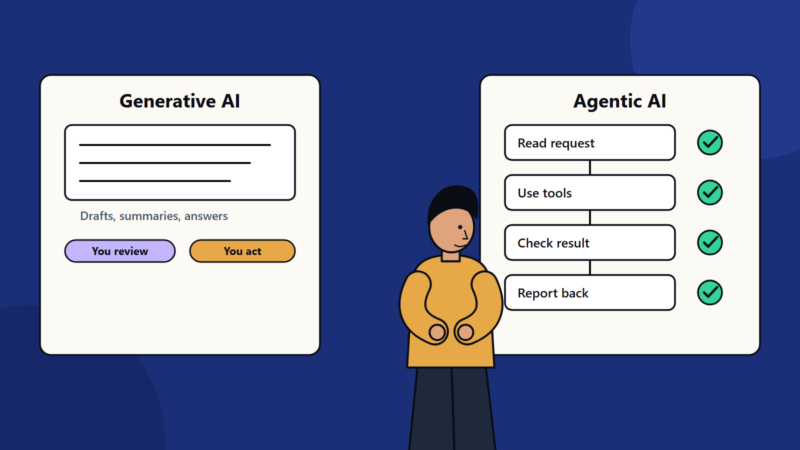
- Number of calls. Agents may plan, call tools, check results and retry, using many calls for one task.
- Retries and failures. Errors and repeated attempts add spend.
- Supporting services. Search, storage, monitoring and guardrail checks add costs.
Build a forecast
- Define the task. For example, “answer a customer question using the help centre”.
- Measure a typical run. Record input tokens, output tokens and the number of model calls from test runs. Use real prompts, since guesses are often low.
- Calculate the unit cost. Multiply tokens by the price per token for each call, and add other per-task costs.
- Estimate volume. Count tasks per user, users per day and peak periods.
- Create scenarios. Low, expected and high. Include growth over twelve months.
- Add a margin for retries, longer inputs and new features.
- Add fixed costs. Infrastructure, licences, monitoring, people.
- Compare with value. What does one task save or earn? A human handling time of several minutes at a loaded hourly rate gives a benchmark.
Keep the model in a spreadsheet and update it with actual data each month.
Track in practice
- Tag usage by application, team and environment so costs can be attributed. Many providers support project keys or labels.
- Dashboards showing cost per day, per task, per user and per model.
- Budgets and alerts at account and project level, with thresholds at 50, 80 and 100 percent.
- Rate limits and quotas that stop a runaway process.
- Anomaly alerts for sudden spikes, for example from a loop or an abusive user.
- Unit economics: cost per resolved ticket, per document processed or per lead qualified.
These practices come from FinOps thinking. Our cloud cost optimization checklist covers the shared routine in more detail.
Ways to reduce AI cost
- Match the model to the task. Use smaller, cheaper models for classification, extraction and routing, and reserve larger models for complex reasoning.
- Shorten prompts. Remove unneeded instructions and examples, and keep the context focused.
- Retrieve fewer, better passages. Good search lets you send less text.
- Cache. Reuse answers to repeated questions and use provider features that discount repeated prompt content where available.
- Limit output. Ask for concise answers where that serves users.
- Batch non-urgent work at lower prices.
- Summarise history in long conversations rather than resending everything.
- Cap agent loops with step limits and budgets per task.
- Evaluate alternatives such as open-weight models for stable, high-volume tasks, and re-test as new models appear.
Quality and cost together
Cheaper is not better if quality drops. Maintain a test set and compare quality and cost for each model and setting. Sometimes a cheaper model passes your quality bar. Sometimes a more capable model finishes in fewer calls and costs less overall.
Governance
- Assign a cost owner for each AI application.
- Include AI usage in your regular cloud cost reviews.
- Set rules for who can create API keys and which models are allowed.
- Review contracts for price changes, data terms and minimum commitments.
- Revisit forecasts quarterly. Pricing, models and your own usage patterns shift often.
Common mistakes
- Forecasting from the pilot’s volume without scenarios.
- Ignoring agent behaviour, which multiplies calls.
- No attribution, so nobody feels responsible for the bill.
- Using the largest model everywhere.
- Treating cost as the only measure and cutting quality.
Planning AI budgets with SoftSapien
SoftSapien helps teams estimate, control and optimise the cost of AI solutions, from model selection and architecture to dashboards and review routines. Our AI development specialists work with our cloud cost experts, and you can learn more about our cloud and datacenter solutions.
To review your forecast, go to the contact page and chat with us, send a message or schedule a free consultation call.
Frequently asked questions
How are language models billed?
Hosted models usually charge by tokens processed, with separate prices for input and output. Other services such as embeddings, storage and fine-tuning may add charges.
Why do AI agents cost more?
Agents make many model calls per task, including planning, tool use and retries, so cost grows faster than the number of requests.
How do I forecast AI cost?
Measure tokens and calls for a typical task, calculate unit cost, estimate volume in low, expected and high scenarios, add a margin and compare with the value delivered.
How can I reduce AI cost?
Match the model to the task, shorten prompts, retrieve fewer and better passages, cache, limit output, batch non-urgent work and cap agent loops.
Can SoftSapien help control AI spend?
Yes, from architecture to dashboards and review routines. Contact SoftSapien through the contact page to chat with our team, send a message or schedule a free consultation call.