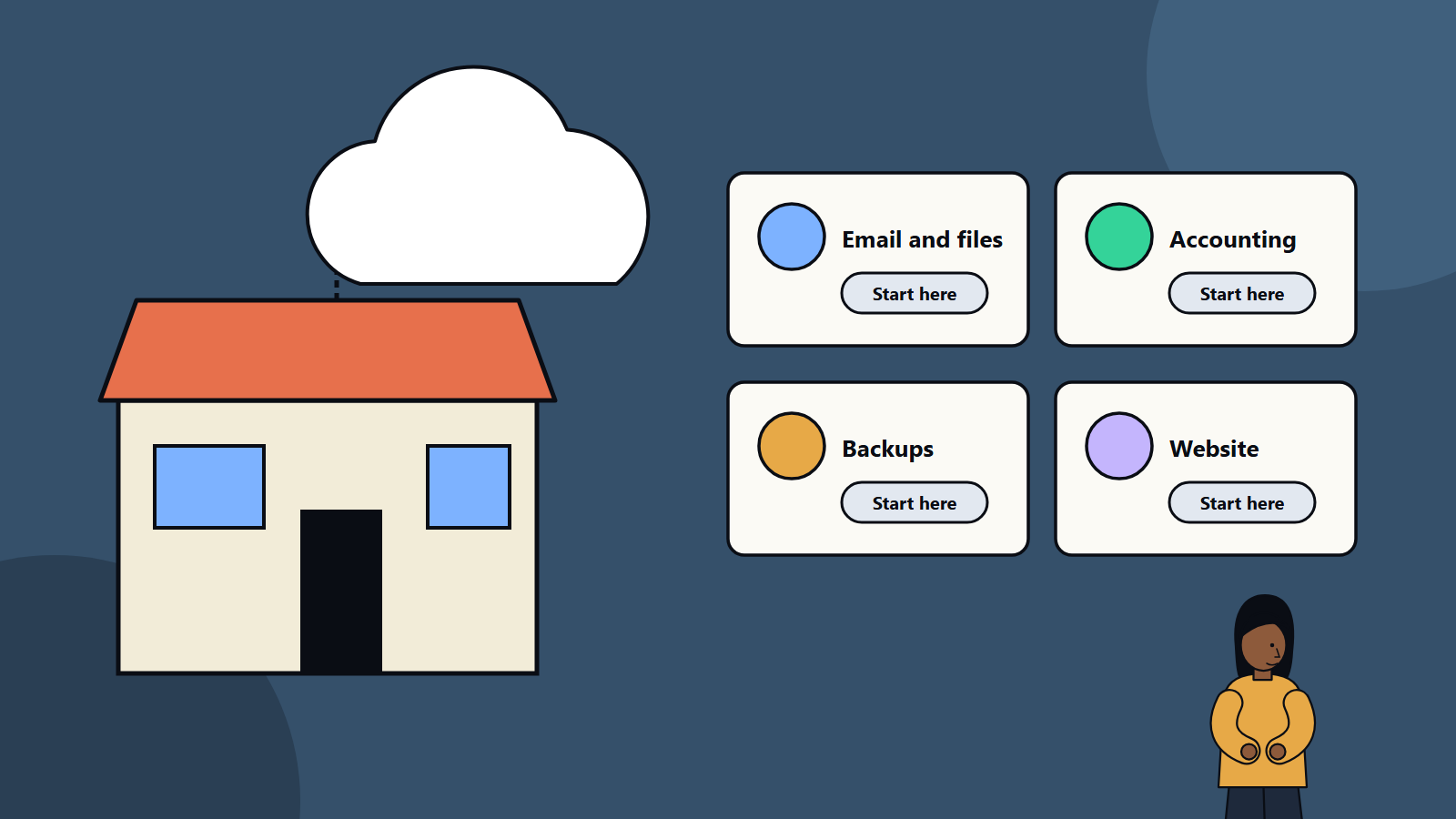
Short on time? For a small business the cloud usually starts with the basics that are hardest to run well yourself: email and documents, file storage, accounting, backups and a website. Begin with software as a service, use strong sign-in on every account, keep a backup of your own data, set a budget and learn before moving anything custom. You rarely need to run servers.
Ten years ago a small business that wanted email, shared files and a customer list bought a server, hired someone to look after it and hoped nothing broke. Today most of that comes as a service for a monthly fee, from anywhere, with someone else keeping it running.
That is the cloud for small business. It reduces upfront cost and maintenance, and it adds choices, subscriptions and security duties that did not exist before. This guide explains where to start in plain language, how to choose and how to avoid the common traps. It is written for owners, office managers and the person who happens to look after IT, with no technical background assumed.
Key takeaways
- The cloud means using services over the internet that someone else runs. For a small firm that mostly means SaaS products.
- Start with the highest-value basics: email and documents, file storage, accounting, backups and website hosting.
- Security is shared. The provider protects its platform, and you protect your accounts, devices and data.
- Watch costs, subscriptions and data ownership. Keep a copy of your important data.
- Move in small steps, and keep the old way working until the new way is proven.
What the cloud means for a small business
When people say cloud, they usually mean one of three things:
- Software as a service (SaaS): finished applications used through a browser or app, such as email, accounting, customer management and project tools. You use them, and the provider runs them.
- Platform and infrastructure services: building blocks such as hosting, databases and virtual servers, mostly used by developers and technical teams.
- Storage and backup services: places to keep files and copies of data.
Most small businesses need the first and third. The second matters if you build your own software or website.
The US National Institute of Standards and Technology describes cloud computing in its definition document, SP 800-145, as a model with five essential characteristics, three service models and four deployment models. The three service models are software as a service, platform as a service and infrastructure as a service. For a small business, it helps to know the first one well and the others lightly.
Why small businesses use it
- Lower upfront cost: no servers to buy, pay monthly.
- Less maintenance: the provider handles updates, hardware and uptime.
- Access from anywhere: useful for remote work and mobile staff.
- Scalable: add or remove users as you grow or shrink.
- Better security than many do alone: large providers invest heavily, though you must still use it well.
- Collaboration: shared documents, calendars and chat.
- Easier recovery: your data is not tied to one office computer.
Where to start
1. Email, calendar and documents
A business email and productivity suite is usually the first step. Choose a service that offers your own domain name in email addresses, shared calendars, document editing and chat. Set up accounts for each person, and avoid shared logins.
2. File storage and sharing
Central cloud storage replaces memory sticks and emailed attachments. Create a simple folder structure, decide who can see what and use sharing links with care. Turn on version history so mistakes can be undone.
3. Accounting and payments
Cloud accounting software handles invoices, expenses, tax records and bank feeds, and lets your accountant work on the same data. Check that it supports the tax rules and currencies of your country.
4. Customer and sales tracking
A simple customer management tool keeps contacts, quotes and follow-ups in one place. Start small, since a few clear fields beat a complex setup nobody uses. Our guide to CRM implementation mistakes lists traps to avoid.
5. Backups
Do not assume that cloud services back up everything you need. Many protect against their own failures and do little about accidental deletion or account takeover. Keep an extra backup of important data, including email, files and accounting records. Our guide to backup strategy and the 3-2-1 rule explains a simple approach.
6. Website and online store
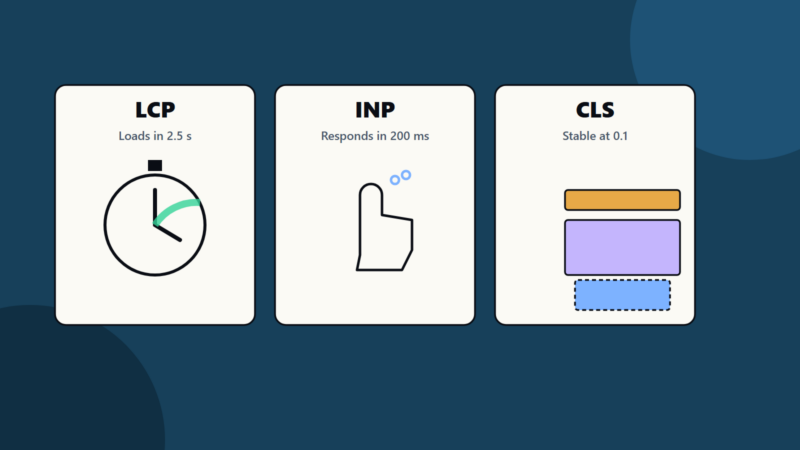
Hosted website builders and online shop platforms handle servers, security updates and payments. If you need something custom, a developer can build it on cloud hosting. Check speed and mobile experience. See our guide to Core Web Vitals.
7. Communication and support tools
Chat, video calls, scheduling and help desk tools. Pick one for each need, and avoid tool sprawl.
8. Later: custom applications and automation
When your needs outgrow off-the-shelf products, you can build on cloud platforms. Compare buying and building with our guide to custom software versus SaaS.
Security basics
The provider secures its data centres and platform. You secure your accounts, devices and settings. Our guide to the shared responsibility model explains the split in more detail.
Do these first:
- Turn on multi-factor authentication for every account, starting with email, banking and admin accounts.
- Use a password manager with long, unique passwords.
- Give each person their own account, with only the access they need.
- Remove access promptly when someone leaves.
- Keep devices updated and protected with screen locks and encryption.
- Be careful with sharing links and public folders.
- Train staff to spot phishing emails.
- Know where your data is, and what privacy rules apply to your customers.
Our guide to cybersecurity for small business lists ten steps in more detail.
Costs and contracts
- Understand the pricing: per user per month, tiers, storage limits and extra charges. Watch for price rises at renewal.
- Avoid paying for unused seats. Review users each quarter.
- Check the contract length, cancellation terms and what happens to your data if you leave.
- Keep an inventory of subscriptions, including those bought on company cards. Duplicates are common.
- Set a budget and alerts for any usage-based services.
- Compare bundles and standalone tools. A suite may cost less than five separate products, though it may not be the best at each task.
- Beware of free tiers that limit features or use your data in ways you did not expect.
If you use infrastructure services, cost can grow unnoticed. Our cloud cost optimization checklist helps, even at small scale.
Data ownership and privacy
- Make sure the contract says that you own your data.
- Check how to export it in a usable form, and test the export.
- Learn where the provider stores data and who can access it.
- Read what the provider says about using data for training or analytics.
- Follow the privacy laws that apply to your customers, such as the GDPR in Europe and similar laws elsewhere. Rules vary, so ask your adviser if you handle personal data in several countries.
- Keep personal data to what you need, and delete what you do not.
Reliability
Cloud services can fail. Check the provider’s status page and service commitments, and plan for short outages: have another way to reach customers and a copy of key contact details offline. For critical systems, consider whether you need an alternative for the worst cases. Our article on disaster recovery planning explains how to decide what needs protection.
Migration without drama
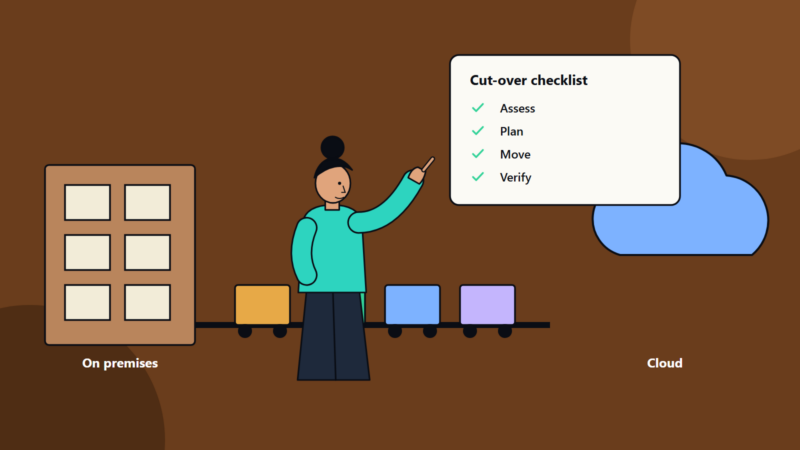
- List what you have: applications, data, users and devices.
- Choose one thing to move first, such as email or file storage.
- Check the requirements: users, storage, integrations and compliance needs.
- Plan the move: timing, data transfer, training and fallback. Avoid your busiest period.
- Back up before you start.
- Pilot with a few people.
- Move everyone, and keep the old system available briefly.
- Turn off and delete old systems when safe, and update your records.
- Review after a month: what worked, what annoys people and what it costs.
Our cloud migration checklist offers a fuller process for larger moves.
Do you need a technical partner?
If you have a handful of users and standard tools, you may manage alone with good documentation and a trusted adviser. A managed service provider can help when:
- You lack time or skills for setup and support.
- You need security monitoring and device management.
- You handle sensitive data or regulated activities.
- You are growing and want a plan.
Ask for clear pricing, service levels and ownership of your accounts and data.
Common mistakes
- Using personal accounts for business data.
- No multi-factor authentication.
- Assuming the provider backs up everything.
- Signing up for many overlapping tools.
- Ignoring renewal prices.
- Giving everyone administrator rights.
- Not testing data export.
- Moving everything at once.
A first-month plan
- Week 1: list current systems and subscriptions, and pick your top three needs.
- Week 2: set up business email and file storage with multi-factor authentication.
- Week 3: move files and set up backups.
- Week 4: add accounting or customer tracking, train staff and review costs.
How SoftSapien supports smaller businesses
SoftSapien helps small and growing businesses choose, set up and secure cloud services, and provides ongoing support and custom solutions when needs grow. See our cloud and datacenter solutions and managed services.
To talk through your own situation, use the contact page to chat with our team, send a message or schedule a free consultation call.
Frequently asked questions
What should a small business move to the cloud first?
Usually email and documents, file storage, accounting, backups and website hosting, since these are hard to run well yourself and available as services.
Does the cloud provider back up my data?
Often only against its own failures. Accidental deletion and account takeover may not be covered, so keep an extra backup of important data.
What are the first security steps?
Turn on multi-factor authentication, use a password manager, give each person an account with limited access, remove access promptly and train staff to spot phishing.
How do I avoid cost surprises?
Understand per-user pricing and renewal rises, review seats each quarter, keep an inventory of subscriptions and set budgets for usage-based services.
Can SoftSapien help a small business move to the cloud?
Yes, from choosing services to ongoing support. Contact SoftSapien through the contact page to chat with our team, send a message or schedule a free consultation call.