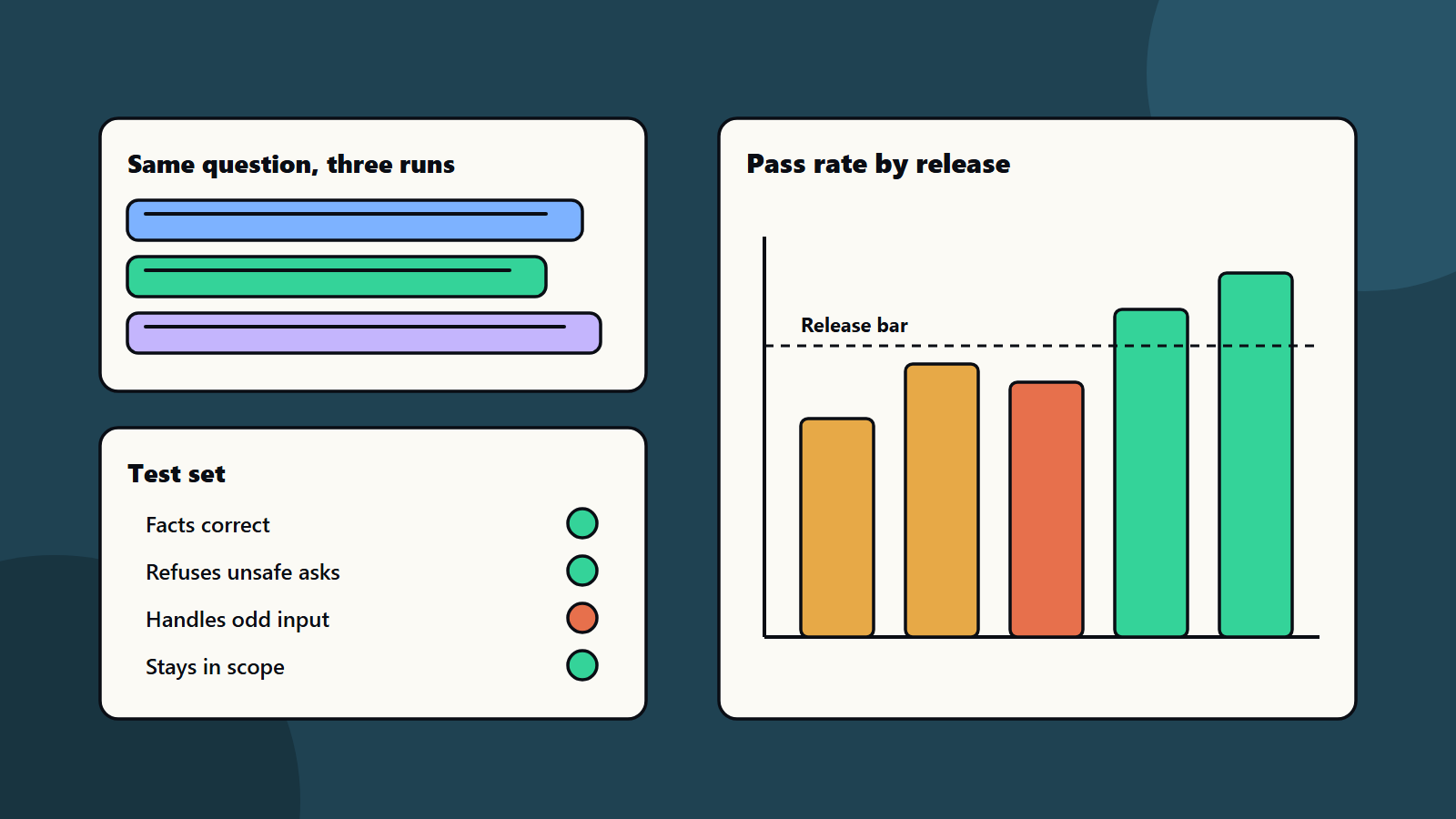
Short on time? Testing AI features is different because the same question can get different answers. Test with a fixed set of cases, score by rules and reviewers, run each case several times, track results by release and add checks for safety and bad input. Set a release bar, and keep testing after launch.
Normal software gives the same output for the same input. AI features do not. Ask a model the same thing twice, and the wording may change. Sometimes the facts change too.
That makes old test habits fail. A single pass tells you little. This guide explains how to plan testing AI features so you can ship with confidence. It suits a small team adding a chatbot and a large firm running many AI tools.
Key takeaways
- Testing AI features means judging quality over many runs.
- Build a test set from real questions, edge cases and risky requests.
- Score with clear rules, plus human review for what rules cannot judge.
- Set a release bar, and compare every change against the last version.
- Keep monitoring after launch, since models, data and users change.
Why AI testing is different
- Variable output: wording differs from run to run.
- No single right answer: many answers can be fine, and some are wrong.
- Hidden failure: a fluent answer can still be false.
- Changing parts: model updates, new data and new prompts shift results.
- Misuse: users may try to trick the system.
Our guide to evaluating model output with a test set covers the core method. This article shows where it fits in your QA plan.
Build the test set
Collect cases from real life:
- Common questions from users.
- Hard and rare questions.
- Questions with known correct answers.
- Messy input: typos, mixed languages, vague asks.
- Unsafe requests the system must refuse.
- Attempts to break rules. See prompt injection explained.
Start with fifty to a hundred cases. Add every real failure you find. Keep the set under version control.
Decide what good means
Write simple criteria for each type of case:
- Correct: the facts match the source.
- Complete: it covers what the user needs.
- Grounded: it uses approved sources and says when it does not know.
- Safe: it refuses what it should.
- On brand: tone and style fit.
- Fast and affordable: response time and cost stay within limits.
The NIST AI Risk Management Framework is a voluntary guide to managing AI risk. It also has a profile for generative AI. Use such guides to shape your list of risks.
Score the results
- Rule checks: exact facts, format, banned words and required links.
- Reference checks: compare with a trusted answer.
- Model-assisted scoring: another model grades answers. Check its grades against human ones first.
- Human review: experts rate a sample, especially for tone and judgement.
Run each case several times, since results vary. Record the pass rate across all runs.
Set a release bar
Agree numbers before testing starts. For example: ninety-five percent correct on core questions, zero failures on safety cases and a response time under three seconds. If a release misses the bar, it waits.
Compare every new prompt, model or data change against the last version. A change that fixes one case can break five others.
Test the whole system
AI features sit inside products. Test the full path:
- Data retrieval and search. See retrieval-augmented generation.
- Permissions and data access.
- Hand over to a person.
- Interface, errors and slow responses.
- Load and cost. See performance testing.
Fit these checks into your test automation strategy and your build pipeline.
Test for fairness and safety
Check whether answers differ unfairly by language, name or region. Test how the system handles sensitive topics. Involve legal, risk and domain experts. Keep records of tests for audits. See our responsible AI policy guide.
Monitor after launch
- Log questions and answers, with privacy controls.
- Sample real conversations each week.
- Track thumbs down, complaints and hand overs.
- Add new failures to the test set.
- Re-run the full set when anything changes.
Common mistakes
- Judging by a few demos.
- A test set that only has easy cases.
- No release bar.
- Trusting automated grades without checking them.
- Ignoring cost and speed.
- Stopping tests at launch.
A starting plan
- Collect fifty real cases and twenty risky ones.
- Write the criteria and the release bar.
- Build a script that runs each case several times.
- Review results with a domain expert.
- Make testing AI features a step in every release.
How SoftSapien supports testing AI features
SoftSapien’s QA and AI engineers design test sets, build automated checks, run human review and set up monitoring for testing AI features before and after launch. See our QA and testing and AI development services.
To plan your AI quality checks, use the contact page to chat with our team, send a message or schedule a free consultation call.
Frequently asked questions
Why is testing AI features different?
Output varies between runs, many answers can be acceptable, fluent answers can be false, and models and data change, so one pass proves little.
What goes in an AI test set?
Common questions, hard and rare ones, cases with known answers, messy input, unsafe requests and attempts to break rules.
How do we score answers?
Combine rule checks, reference answers, model-assisted grading checked against humans and expert review of a sample.
When can we release?
When results meet a release bar agreed in advance, compared with the last version, and with monitoring ready for after launch.
Can SoftSapien help test our AI features?
Yes, with test design and automation. Contact SoftSapien through the contact page to chat with our team, send a message or schedule a free consultation call.