Short on time? Console development means fixed hardware, a licensed development kit, strict platform requirements and a certification step before release. Apply to the platform programmes early, plan for each platform’s rules from the first prototype, build a compliance checklist, budget time for submission and fixes and keep a plan for patches after launch.
A console is a known machine. Every player has the same processor, memory and controller, which makes performance predictable. In return, the platform holder controls who may publish, how the game must behave and when it may ship.
This guide explains the console path in plain terms for studios from a small independent team to a large publisher. Details differ by platform and change over time, so treat the official programme documentation as the source of truth, and note that much of it sits behind a developer agreement.
Key takeaways
- Access to development kits, tools and documentation comes through each platform holder’s developer programme, and approval takes time.
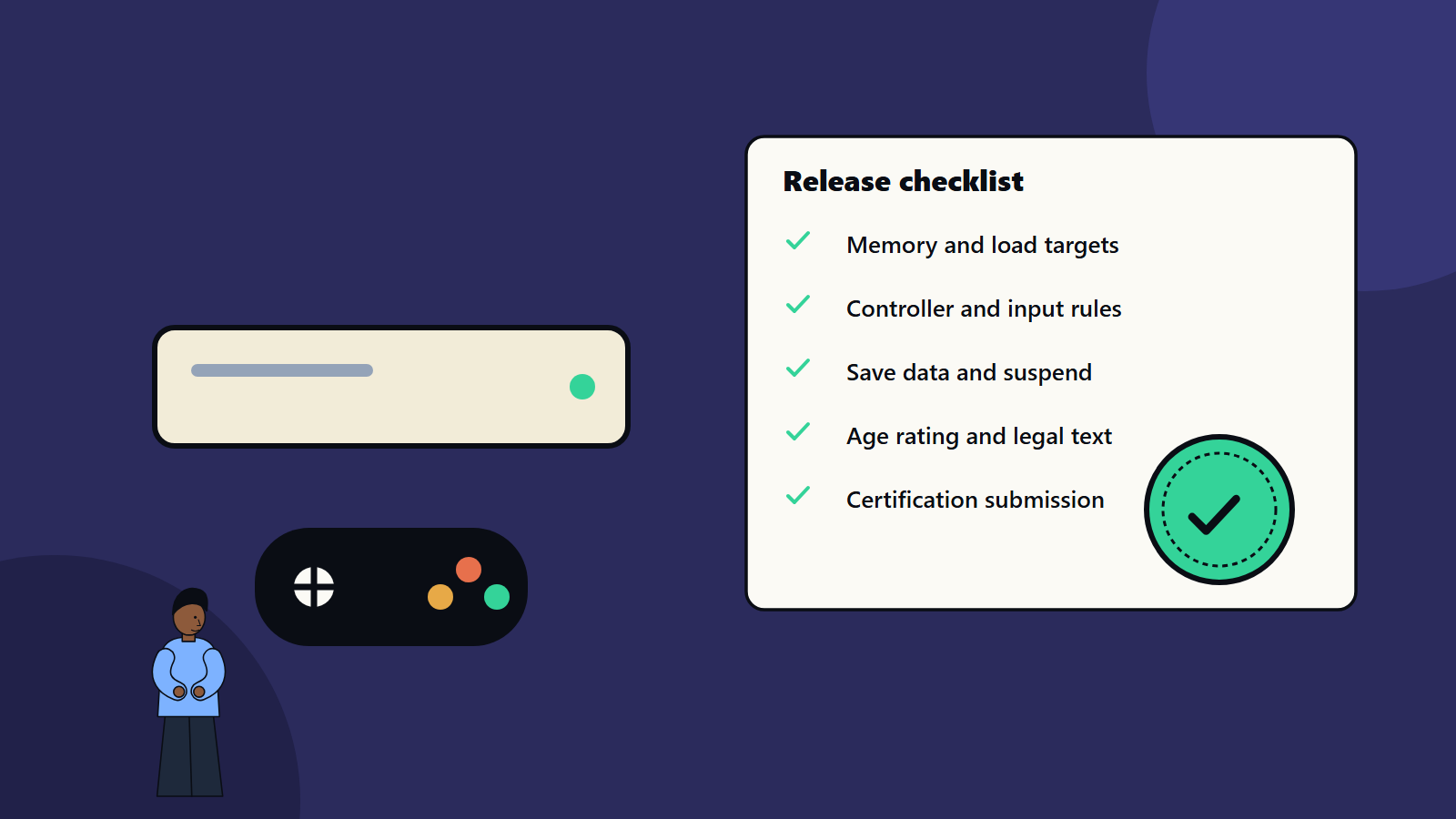
- Platform requirements cover areas such as controller behaviour, save data, suspend and resume, online features, ratings and text.
- Certification is a formal check before release. Plan for at least one failed submission.
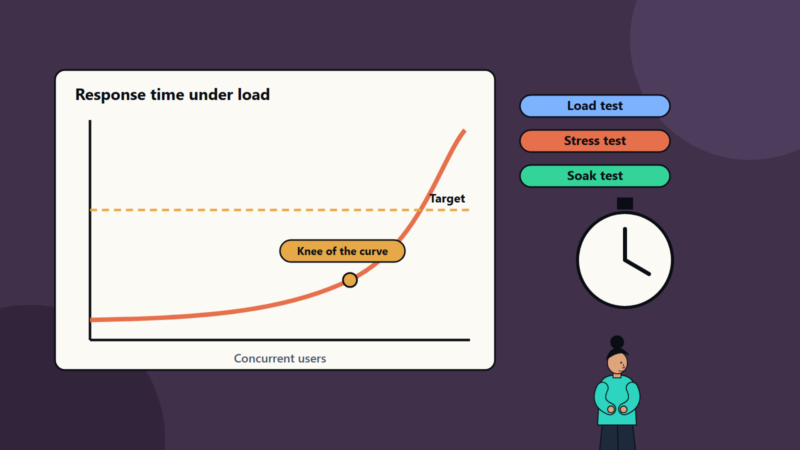
- Fixed hardware helps tuning, and it also means hard limits on memory, load times and storage.
- Build requirements into the game from the start, and maintain a checklist through production.
Getting access
Each platform holder runs a programme for developers. The usual steps are:
- Apply with details about your company, your game and your experience. Some programmes accept small teams, and others look for a published track record or a publisher partner.
- Sign agreements, which include confidentiality terms. Read them carefully, since they limit what you can share publicly about the tools and requirements.
- Obtain development hardware and software tools, which may be a purchased kit, a loan or a cloud-based option, depending on the platform.
- Get documentation and support through the programme portal.
Start this early. Approval and delivery can take weeks or months, and you need hardware before you can test real performance. Some engines include console support through licensed extensions, so check this when you choose an engine. See our comparison of game engines.
What platform requirements cover
Each platform publishes its own rules, with names that differ. The common themes are:
- Controller and input: supported controllers, button conventions, behaviour when a controller disconnects and handling of multiple users.
- System features: suspend and resume, quick resume, background behaviour, notifications and screenshots.
- Save data: where and how data is saved, corruption handling, cloud sync and limits on size.
- User accounts and profiles: sign-in, user switching, parental controls and online privileges.
- Online services: matchmaking, friends, invitations, achievements or trophies, and network error messages. See our guide to multiplayer netcode.
- Performance and stability: memory limits, load times, frame rate stability and crash-free operation.
- Text, terminology and icons: the exact platform names and button glyphs you must use, and localisation rules.
- Ratings and legal: age ratings for each region, legal notices and privacy handling.
- Accessibility: platform guidance on features such as subtitles, remapping and contrast. See our guide to game accessibility.
- Store listing: descriptions, screenshots, trailers and pricing that follow the platform’s rules.
Fixed hardware: advantages and limits
- Advantages: consistent performance, predictable testing and the chance to tune deeply for one configuration.
- Limits: a fixed memory ceiling, defined storage and install sizes and sometimes a base model and a more powerful model that both need support.
- Handheld and docked modes may have different resolutions and performance targets, so test both.
- Load times and streaming need tuning for the storage hardware.
Because the machine is fixed, platform holders expect high stability. A crash that a PC player might forgive can fail certification.
Certification
Before release, you submit a build to the platform holder, who tests it against its requirements. Naming differs, but the idea is the same.
- Pre-checks: run the platform’s own tools and your internal checklist before sending the build.
- Submission: upload the build with required metadata, rating information and a description of how to access features.
- Platform testing: the holder runs its checks, which can take days or weeks.
- Results: a pass, or a report listing failures to fix.
- Resubmission after fixes, which restarts part of the clock.
Plan for the process to take longer than hoped. Many teams book the submission window early, build slack into the schedule and avoid last-minute content changes after a build passes. Our guide to game testing and QA covers how to prepare.
Release planning
- Release date: agree it with the platform account contact, and keep marketing dates behind certification dates.
- Day one patch: decide whether a patch will ship at launch, and how it is certified.
- Pre-orders and pricing: set up in the store systems well before launch.
- Regions and languages: each added region may need a rating and localisation checks.
- Digital and physical: physical editions add manufacturing lead times and earlier build deadlines.
- Post-launch updates: patches and downloadable content usually pass through a lighter check, and still need planning.
Working across several platforms
Many studios ship on more than one console, and on PC or mobile. Practical steps:
- Wrap platform features, such as saves, achievements and input, behind an internal layer, so game code stays the same.
- Keep a requirements matrix with one row per rule and one column per platform.
- Test each platform on real hardware at every milestone, since emulation hides issues.
- Decide early which platform leads, and which follow.
See our guide to cross-platform game development for architecture ideas, and the game development pipeline for the wider schedule.
Budget and team
Plan for development kits, platform fees where they apply, rating fees, localisation, extra testing time and porting engineering. A small team can do this well with a clear scope, a realistic schedule and a partner who has shipped on the platform before.
Common mistakes
- Applying for the programme after production starts.
- Treating requirements as a final polish task.
- Testing only on PC builds until late.
- No budget for resubmission.
- Last-minute content changes after a passing build.
- Ignoring handheld or docked mode differences.
- Marketing dates set before the certification schedule.
- Breaking confidentiality terms by sharing platform documents.
A starting plan
- Apply to the platform programmes, and choose an engine with console support.
- Build a requirements checklist from the portal documents.
- Get a development kit running a prototype early.
- Run a platform checklist review at every milestone.
- Submit a pre-release build for early feedback where the platform allows it.
- Book certification slots, and keep a buffer for fixes.
How SoftSapien supports console game development
SoftSapien’s game engineers and QA specialists help studios prepare for platform programmes, build to requirements, run compliance testing and manage submission and release for mobile, PC and console titles. See our game development and QA and testing services.
To plan your console release, use the contact page to chat with our team, send a message or schedule a free consultation call.
Frequently asked questions
How do we get access to console development?
Apply to each platform holder developer programme, sign the agreements and obtain development hardware and tools. Approval can take weeks or months, so start early.
What is console certification?
It is a formal check by the platform holder that your build follows its requirements before release. Plan for the possibility of failed submissions and resubmission.
Which requirements usually cause failures?
Common areas are controller disconnects, save data handling, suspend and resume, online error messages, platform terminology and stability.
Can small teams ship on console?
Yes, with early programme applications, a realistic scope and a partner who has shipped on the platform before.
Can SoftSapien help with console releases?
Yes, from porting to compliance testing. Contact SoftSapien through the contact page to chat with our team, send a message or schedule a free consultation call.