Short on time? Edge computing processes data close to where it is created, such as on a factory floor, in a store or in a vehicle, so that only what matters travels on to a distant cloud. It helps when decisions must be fast, bandwidth is costly or limited, connections are unreliable or data must stay local. It also adds devices to manage and secure, so use it where the benefit is clear.
A camera on a production line sees a defect. A sensor on a pump senses a rising vibration. A point-of-sale terminal loses its internet connection during a busy hour. In each case, waiting for a round trip to a far-away data centre costs time, money or sales.
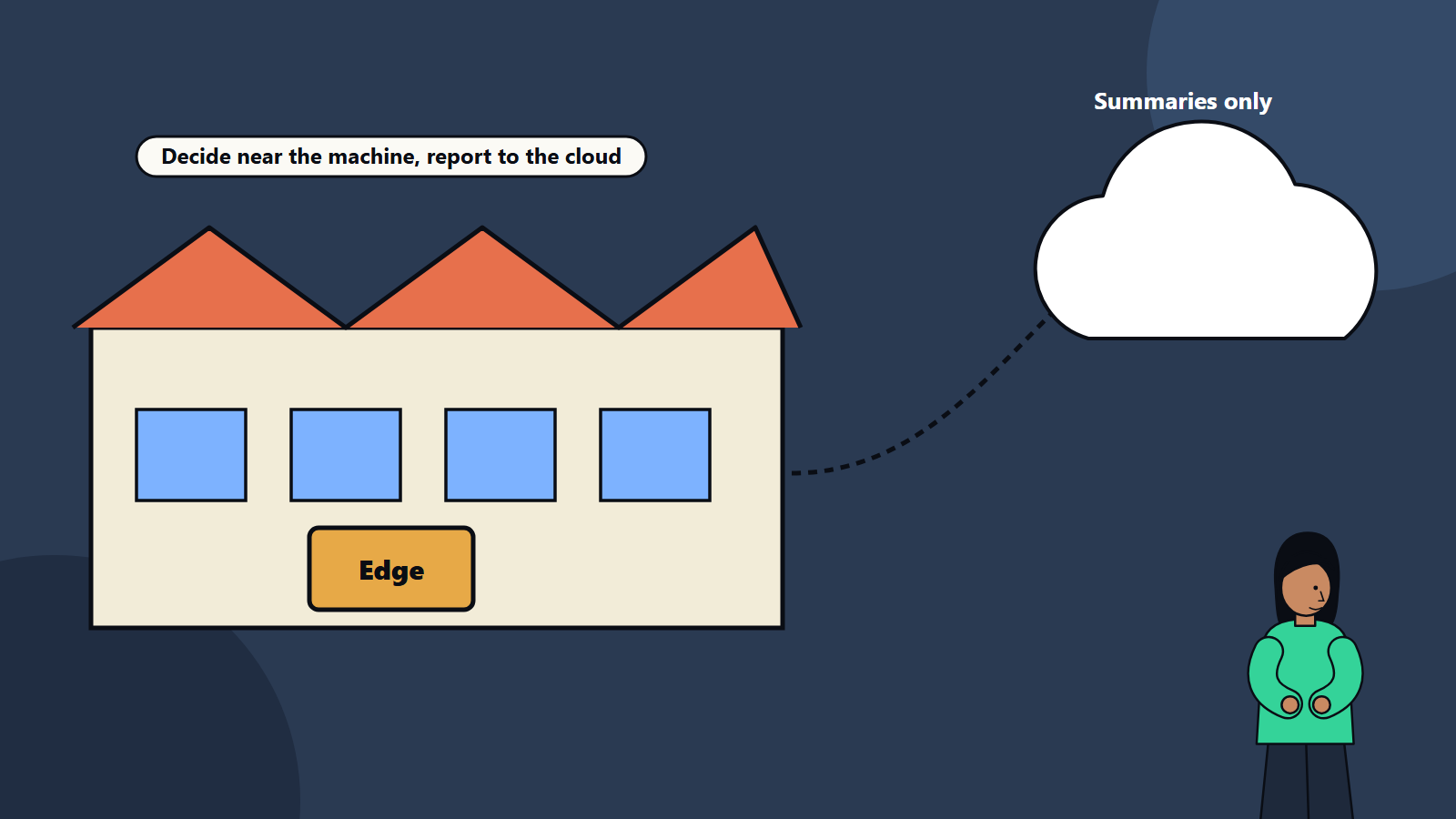
Edge computing places processing power near the source of data, so that urgent decisions happen locally, and only what matters travels onward. This guide explains the idea, the common architectures, the benefits and the pitfalls, in terms that technology leaders and operations managers can use. It applies to a retailer with a few hundred stores and an industrial company with thousands of devices.
Key takeaways
- Edge computing runs workloads close to data sources, on devices, gateways or small local servers.
- Main drivers: low latency, bandwidth and cost savings, resilience during outages and data locality or privacy.
- Edge and cloud work together. The edge reacts fast, and the cloud handles heavy analysis, storage and coordination.
- Managing many distributed devices, with updates and security, is the main challenge.
- Start with one use case where latency or connectivity clearly matters.
What counts as edge
The edge is a spectrum between the device and the cloud:
- Device edge: processing on the device itself, such as a camera with built-in analytics or a smart sensor.
- Local or gateway edge: a small computer on site, such as in a factory cabinet, store back room or vehicle, that collects data from nearby devices.
- Regional or network edge: compute in telecom facilities or local data centres, closer to users than a central cloud region.
- Cloud: central, large-scale processing and storage.
Different vendors use the terms differently. Define what you mean in your own architecture, by location and responsibility.
Why use the edge
Latency
Some decisions cannot wait. Stopping a machine when a safety sensor trips, rejecting a defective item as it passes a camera or steering an autonomous vehicle needs responses in milliseconds. Local processing avoids network delay and variability.
Bandwidth and cost
Video, high-frequency sensor data and images can be huge. Sending it all to the cloud is costly and often unnecessary. Edge systems can filter, compress and summarise, sending only events and aggregates.
Resilience
When the network drops, local systems keep working. A store continues to take payments, a factory keeps running and a vehicle continues to operate, with data synchronised later.
Data locality and privacy
Rules or customer expectations may require that raw data stay on site or in country. Processing locally, and sending only anonymised results, can help meet such requirements. Our guide to data residency and sovereignty describes the wider picture.
Scale of devices
Billions of devices produce data. Centralising everything would strain networks and budgets.
Common use cases
- Manufacturing: visual inspection, predictive maintenance and machine control. Our article on computer vision for quality inspection shows an example.
- Retail: local pricing and inventory, checkout, cameras for queue and shelf monitoring, and offline resilience.
- Logistics and transport: vehicle telematics, route adjustments and tracking in areas with poor coverage.
- Energy and utilities: grid monitoring, substation control and renewable asset management.
- Healthcare: bedside devices and imaging analysis within hospital networks, where privacy and speed matter.
- Smart buildings and cities: access control, energy management and traffic systems.
- Telecommunications: content delivery and network functions near users.
- Agriculture and mining: remote sites with limited connectivity.
- Media and gaming: low-latency streaming and interactive experiences.
Typical architecture
A common pattern:
- Devices and sensors collect data.
- Edge nodes run applications locally: filtering, rules, machine learning inference, local databases and control logic.
- Connectivity sends summaries, events and alerts to the cloud when available, and receives updates and configurations.
- Cloud platform stores data over time, trains models, manages the fleet, runs analytics across sites and integrates with business systems.
- Management plane handles deployment, monitoring and security for all nodes.
Our guide to IoT architecture describes the layers from device to application, including edge and gateways.
What runs at the edge
- Inference: trained models run locally, often optimised to fit small hardware. Training usually stays in the cloud.
- Rules and control logic.
- Data filtering and aggregation.
- Local storage and buffering during outages.
- Protocol translation between industrial or legacy protocols and modern interfaces.
- Containers or lightweight runtimes for application packaging. Our article on Kubernetes for decision makers discusses orchestration, with lighter distributions often used at the edge.
Challenges
- Fleet management: deploying, updating and monitoring hundreds or thousands of nodes in varied locations, often with limited connectivity and no on-site IT staff.
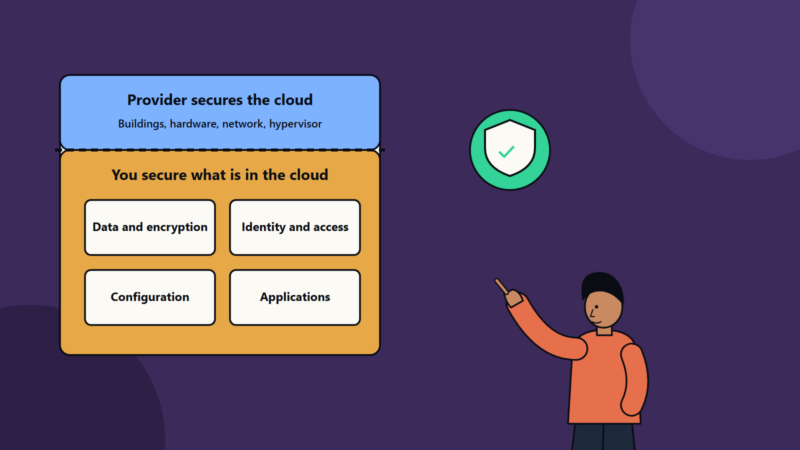
- Security: more devices mean a larger attack surface. Nodes may be physically accessible. Protect with secure boot, encryption, strong identity, least privilege and regular patching. See our guide to IoT security.
- Hardware limits: power, space, cooling and compute are constrained. Harsh environments need rugged equipment.
- Consistency: keeping software versions and configurations aligned across sites.
- Data synchronisation and conflict handling after outages.
- Observability: collecting logs and metrics from remote nodes without overwhelming networks. Our guide to observability applies.
- Skills: combining operational technology, networking, software and security expertise.
- Cost: hardware, deployment, site visits and support can outweigh savings if the case is weak.
- Vendor lock-in from proprietary platforms.
Design guidance
- Start with the requirement: latency target, bandwidth, offline needs, data rules.
- Place workloads deliberately: decide what runs at device, edge and cloud, and why.
- Design for disconnected operation: nodes should keep working and queue data.
- Automate everything: zero-touch provisioning, remote updates, health checks and rollback.
- Secure by design: identity per device, encrypted communications and signed software.
- Standardise hardware and software images to reduce variety.
- Monitor at scale, with fleet-level dashboards and alerts.
- Plan lifecycle: hardware refresh, software support windows and decommissioning.
- Use open standards where possible to limit lock-in.
- Pilot on one site, learn and then scale.
Cost and business case
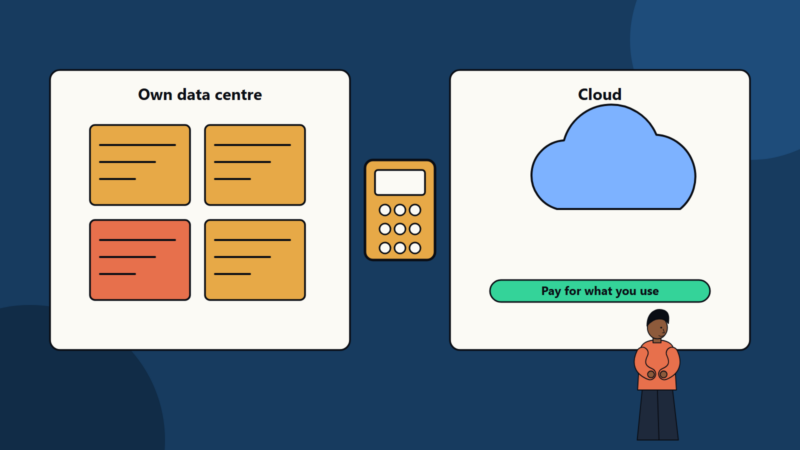
Include hardware, installation, connectivity, software licences, management tooling, support and refresh. Compare against the cost of sending data to the cloud, downtime avoided, quality improvements and revenue protected. Our guide to data centre versus cloud cost comparison shows how to build a total cost model, and the same discipline applies to edge. Use a staged business case, with a pilot that tests assumptions.
Edge and cloud together
Treat them as partners. Typical split:
- Edge: real-time inference, control, filtering and local resilience.
- Cloud: model training, long-term storage, cross-site analytics, dashboards, fleet management and integration with enterprise systems.
Hybrid designs are common. See our article on hybrid cloud architecture.
Common mistakes
- Pushing everything to the edge because it sounds modern.
- Ignoring device management until after deployment.
- Weak security on remote nodes.
- Assuming reliable connectivity.
- Overlooking power, cooling and physical conditions.
- No plan for updates and refresh.
- Failing to involve operations staff on site.
A starting plan
- Identify one use case where latency, bandwidth or offline operation matters.
- Define measures and a target.
- Prototype on a small number of nodes.
- Build the management and security foundations.
- Pilot at one site for a few months.
- Review results, refine and roll out in waves.
How SoftSapien supports edge solutions
SoftSapien designs and delivers edge and IoT solutions, from device integration and local analytics to cloud platforms and fleet operations, with security and lifecycle management included. See our IoT development and cloud and datacenter solutions services.
To explore an edge use case, use the contact page to chat with our team, send a message or schedule a free consultation call.
Frequently asked questions
What is edge computing?
It is processing data close to where it is created, on devices, gateways or local servers, so urgent decisions happen locally and only what matters travels to the cloud.
When does edge computing make sense?
When latency is critical, bandwidth is costly or limited, connections are unreliable or data must stay local for privacy or regulation.
What are the main challenges?
Managing and updating many distributed nodes, securing exposed devices, hardware limits, keeping software consistent and observing remote systems.
How do edge and cloud work together?
The edge handles real-time inference, control and local resilience. The cloud handles training, long-term storage, cross-site analytics and fleet management.
Can SoftSapien build edge solutions?
Yes, from devices to cloud. Contact SoftSapien through the contact page to chat with our team, send a message or schedule a free consultation call.