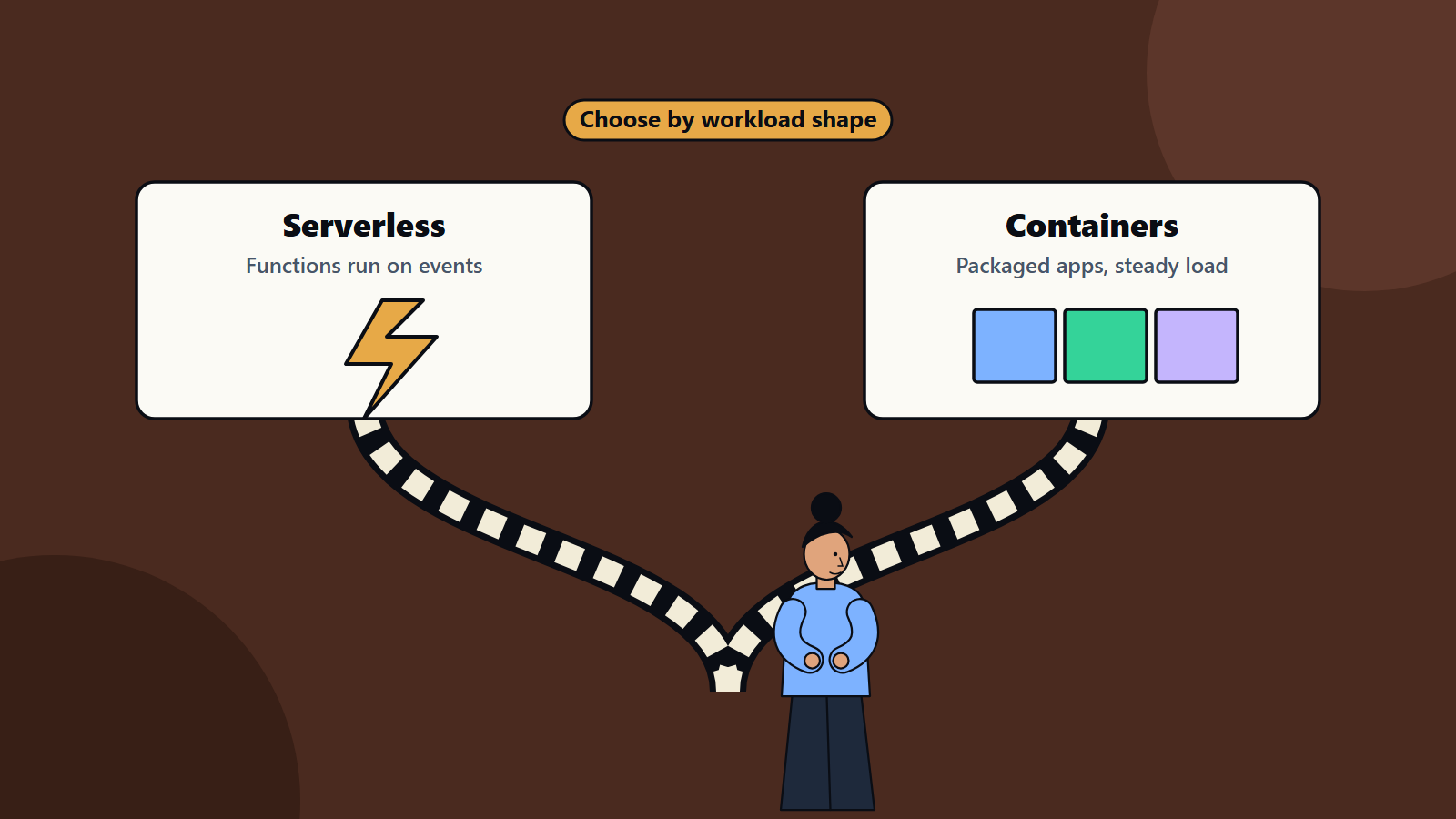
Short on time? Choose serverless functions for event-driven, bursty or small workloads where you want to pay per use and avoid managing servers. Choose containers for long-running services, steady load, portability and fine control over the runtime. Many systems use both, and managed container services sit in the middle.
Two words come up in almost every cloud design conversation: serverless and containers. Both let teams ship software without tending physical machines. Both promise faster delivery. They differ in how much you manage, how you pay and what they suit.
This guide compares them plainly, so a founder, product owner or technology lead can choose with confidence, and not be swayed by fashion. It applies to a new application on a small budget and to a platform strategy at an enterprise.
Key takeaways
- Serverless means you write functions or use managed services and the provider handles servers, scaling and much of operations. You pay mostly for what you use.
- Containers package an application with its dependencies and run anywhere a container runtime exists. You control more, and manage more.
- Serverless fits spiky, event-driven and low-traffic workloads. Containers fit steady, long-running and complex workloads.
- Lock-in, cold starts, limits, cost at high volume and operational skills are the main trade-offs.
- Middle options such as managed container platforms and serverless containers blur the line.
What serverless means
Martin Fowler’s article on serverless architectures describes serverless as an architecture style that reduces how much server-side infrastructure you run and manage. It has two overlapping meanings:
- Backend as a service: applications use third-party cloud services for functions such as authentication and databases, so less custom server code is needed.
- Functions as a service: you write server-side logic as functions that run in stateless, event-triggered, short-lived containers that the provider fully manages.
Servers still exist behind serverless. The difference is that the provider provisions and looks after them.
Benefits described there include lower operational and development costs, paying only for the compute you use with automatic scaling for spiky or occasional traffic, and less deployment and server management, which can shorten time to market and support experimentation. Drawbacks include dependence on the vendor and risk of lock-in, more providers and permission settings to secure, stateless functions that need external storage for state, cold-start delay, execution time limits and shared concurrency limits, and harder integration testing, debugging and monitoring.
What containers mean
A container packages an application with its libraries and settings, so it runs the same way on a laptop, a test server and in production. Containers start quickly and use fewer resources than virtual machines. You run them on a container platform, from a single server to an orchestrated cluster. Our article on Kubernetes for decision makers explains what orchestration adds and when you need it.
With containers you decide the runtime, the language, the libraries and the operating system image. You manage the images, updates, scaling rules, networking and security configuration, or choose a managed service to share that work.
Side by side
- Operations: serverless removes most server management. Containers need image and platform management, even on managed services.
- Scaling: serverless scales automatically, including to zero when idle. Containers scale by rules or autoscaling, with a minimum running.
- Billing: serverless is typically billed per request and execution time. Containers are billed for the resources allocated while running.
- Start-up: serverless functions may have a cold start delay after idle periods. Containers that are already running respond immediately.
- Run time: serverless functions have time limits. Containers can run for as long as needed, so they suit long processes.
- State: functions are stateless by design. Containers can hold state in memory or on attached storage, although stateless design remains good practice.
- Control: containers give fine control over runtime and dependencies. Serverless limits choices to what the provider supports.
- Portability: containers run on any cloud or on premises with similar tooling. Serverless functions are tied to provider-specific services, with some frameworks that ease moves.
- Local development and testing: containers replicate production easily. Serverless testing relies on emulators or cloud environments.
- Observability: both need good telemetry. Serverless distributed tracing is essential. Our guide to observability explains the signals.
When serverless fits
- Event-driven tasks: processing uploads, reacting to messages, scheduled jobs and webhooks.
- Variable or unpredictable traffic, including long idle periods.
- APIs with modest volume that benefit from no idle cost.
- Glue between services, such as transforming data or sending notifications.
- Prototypes and new products, where speed and low fixed cost matter.
- Small teams without platform skills.
- Backend services built from managed components such as authentication, databases and queues.
When containers fit
- Steady, high-volume traffic, where reserved resources cost less than per-request billing.
- Long-running processes, such as streaming, background workers, game servers and batch jobs.
- Applications with specific runtime needs, such as custom libraries, system packages or particular languages and versions.
- Complex systems of many services that need consistent deployment and networking.
- Portability requirements, including multi-cloud and hybrid. See our articles on multi-cloud strategy and hybrid cloud architecture.
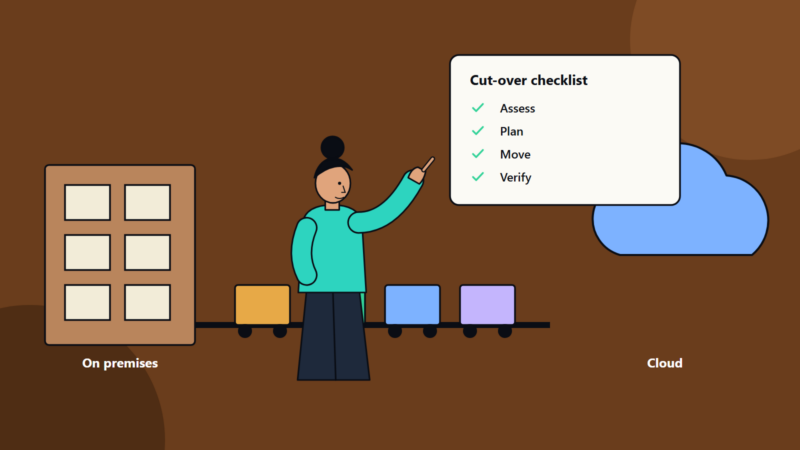
- Migration of existing applications, where packaging the current app in a container is easier than rewriting.
- Predictable performance, with no cold starts.
The middle ground
Several options sit between the two:
- Managed container services that run containers without you operating the cluster, with automatic scaling.
- Serverless container platforms that run your container image and scale it, including to zero, billing by use.
- Platform as a service products for web applications.
- Functions with container images, where a function uses a container as its package.
These options give much of the convenience of serverless with the flexibility of containers, and often make a good default for web applications and APIs.
Cost thinking
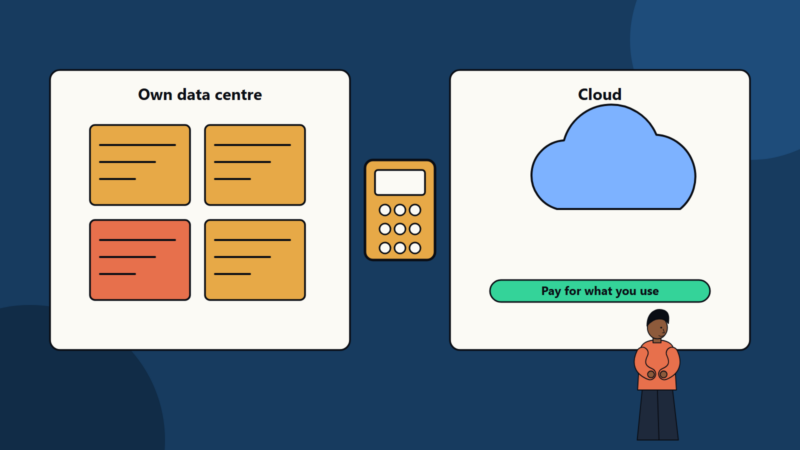
At low or irregular usage, serverless often costs less because you pay nothing when idle. As volume rises and becomes steady, per-request pricing can exceed the cost of always-on containers. The crossover point depends on your workload, memory size, execution time and provider pricing. Model costs with real numbers, including supporting services such as API gateways, data transfer, logging and databases, which can outweigh the compute. Our guide to cloud cost optimization describes how to track and manage usage-based spend.
Security considerations
- Serverless: many small functions with their own permissions. Use least privilege for each, validate inputs from every event source, manage secrets properly and watch third-party dependencies.
- Containers: scan images, use minimal base images, run as non-root, limit capabilities, segment networks and patch regularly.
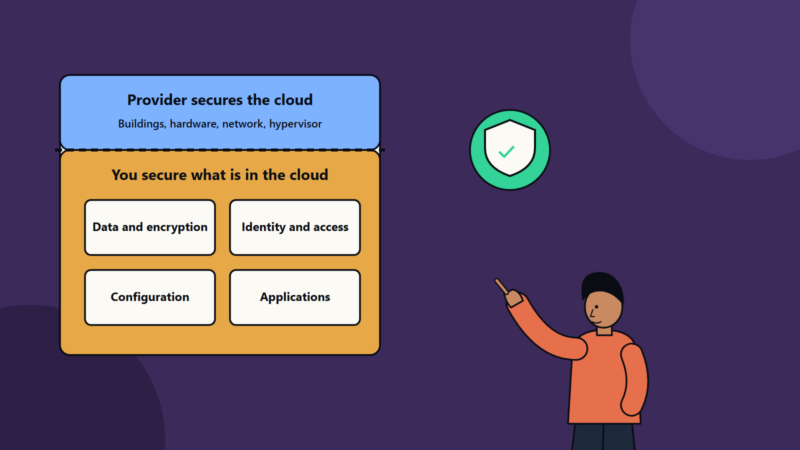
- Both: follow the shared responsibility model described in our article on cloud security basics.
Avoiding lock-in sensibly
No architecture is free of dependency. To keep options open:
- Keep business logic separate from provider-specific glue.
- Use open standards and portable data formats.
- Prefer commonly supported languages and runtimes.
- Document how you would move, and weigh the cost against the benefit of provider-specific features.
- Do not pay a large complexity tax to avoid a lock-in you may never need to escape.
A decision guide
Ask:
- Is the workload event-driven or bursty? Lean serverless.
- Is it steady, long-running or latency-sensitive? Lean containers.
- Do you need custom runtimes or tight control? Containers.
- How large is the team, and what skills does it have? Small teams often gain from serverless or managed platforms.
- Is portability a real requirement? Containers.
- What does cost modelling show at expected volume?
- How will you test, observe and secure it?
Start with the simplest option that meets the needs, and be ready to combine them.
Common mistakes
- Choosing by trend and not by workload.
- Splitting an application into hundreds of tiny functions with no plan.
- Ignoring cold starts for user-facing latency.
- Running a large cluster for one small service.
- Underestimating monitoring and testing needs.
- Failing to model cost at scale.
How SoftSapien helps you choose and build
SoftSapien designs and builds applications on serverless, container and mixed architectures, and helps teams migrate, secure and operate them. See our DevOps and cloud and datacenter solutions services.
To talk through your workload, visit the contact page and chat with our team, send a message or schedule a free consultation call.
Frequently asked questions
What is serverless?
An architecture style in which the provider manages servers and scaling. It covers backend as a service and functions as a service, billed mostly by use.
When are containers a better fit?
For steady, high-volume or long-running workloads, custom runtimes, many cooperating services, portability needs and predictable performance without cold starts.
Is serverless always cheaper?
At low or irregular usage it often is. At high, steady volume, per-request pricing can exceed always-on containers, so model cost with real numbers.
Are there options between the two?
Yes: managed container services, serverless container platforms, platform as a service and functions packaged as container images.
Can SoftSapien help choose and build?
Yes, across serverless, containers or both. Contact SoftSapien through the contact page to chat with our team, send a message or schedule a free consultation call.